Loading
The Everything App
A self-built Android app that puts everything I need day to day in one place. Four Five Six main features so far, with more likely to come:
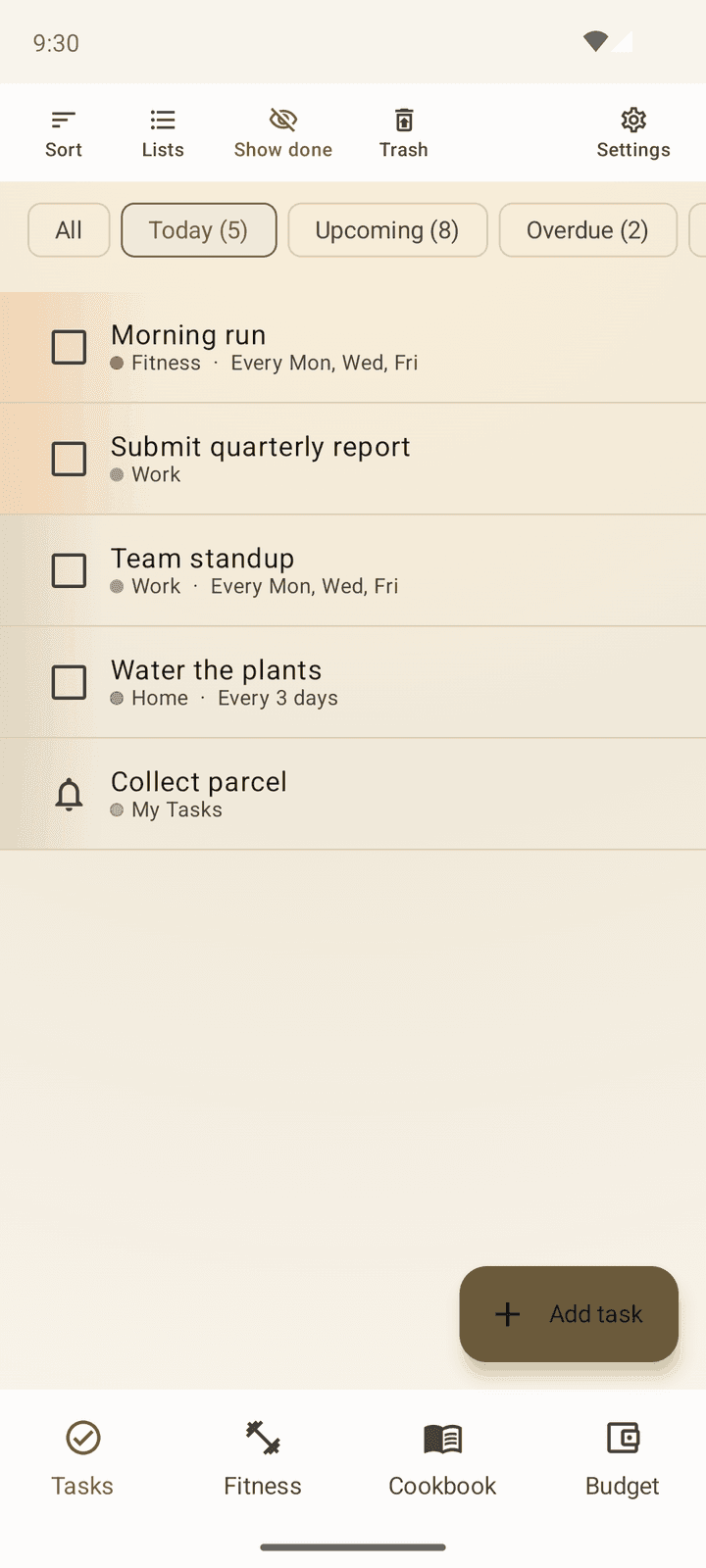
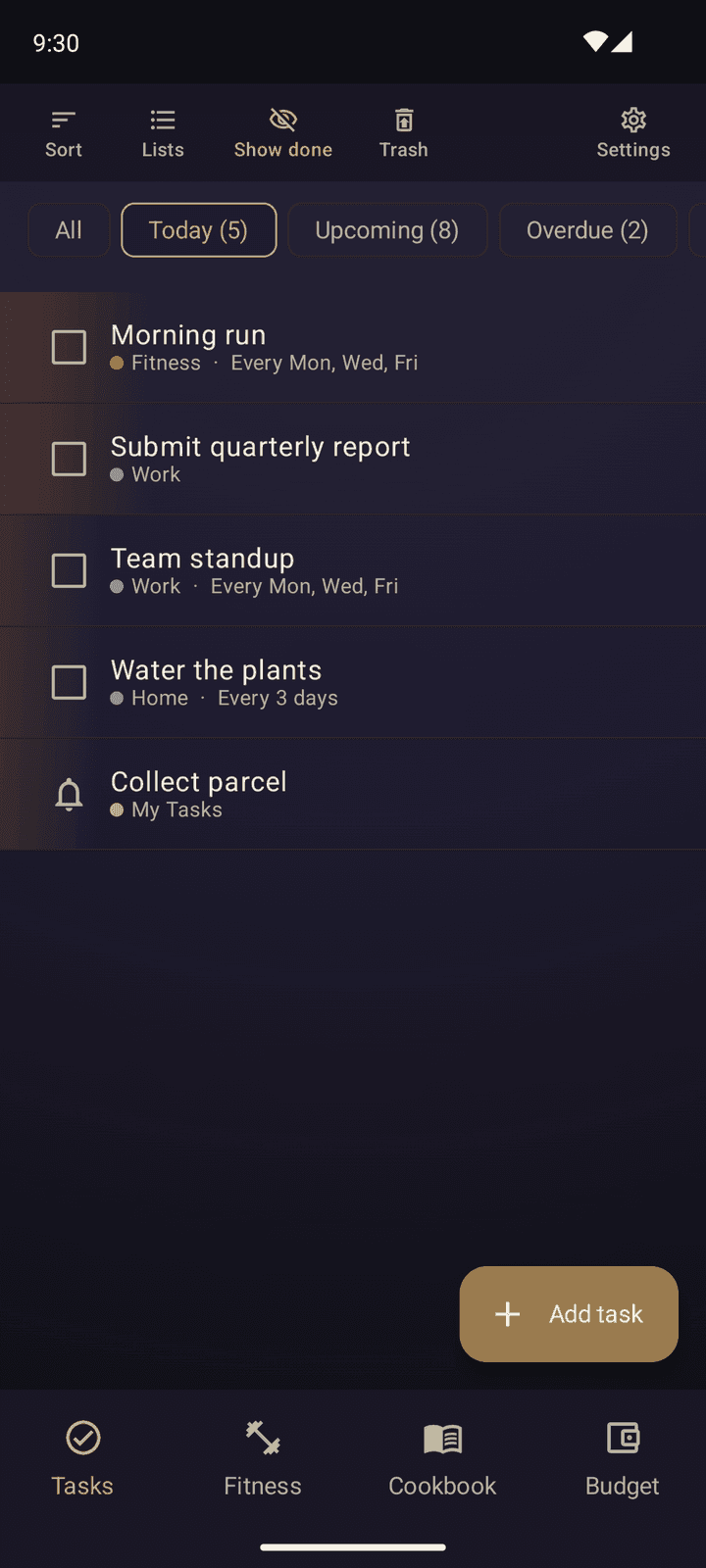
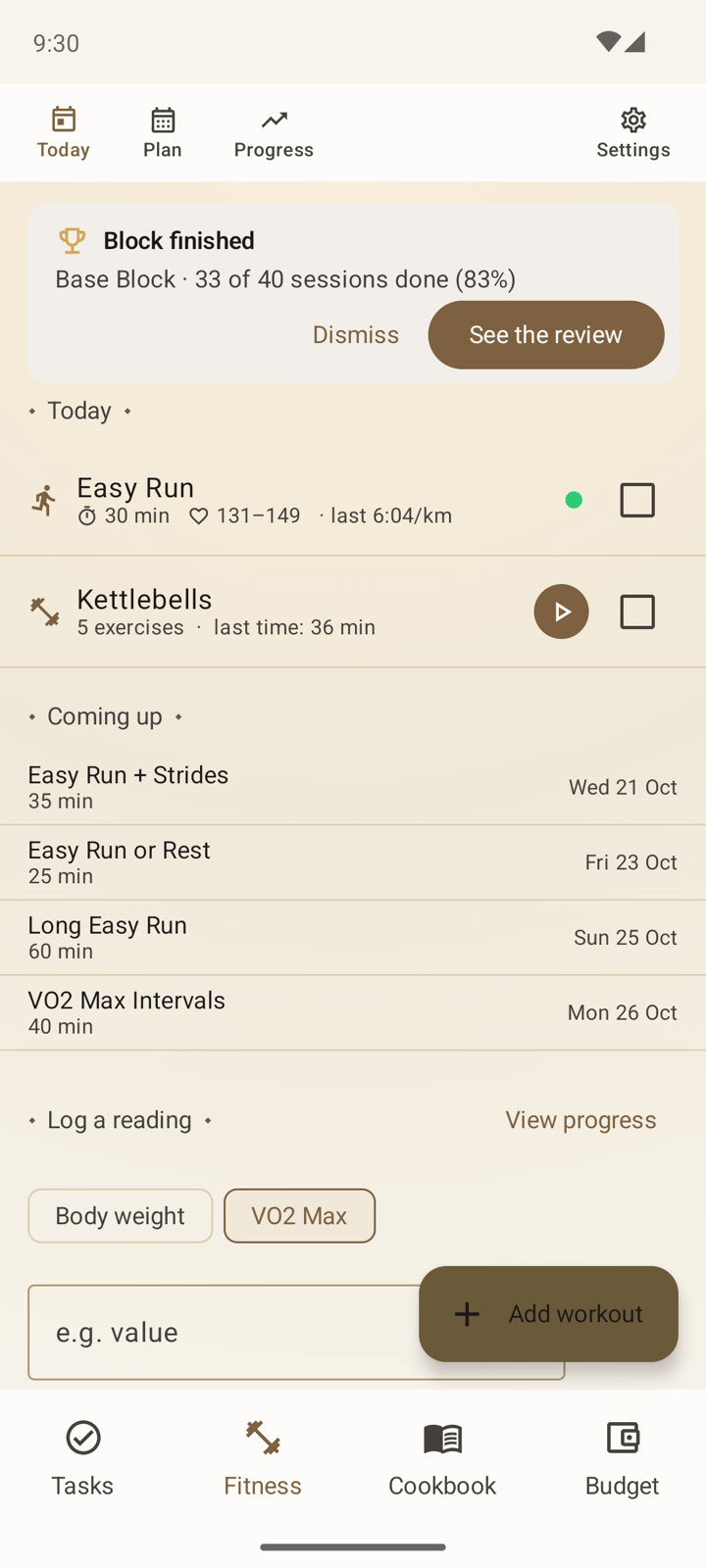
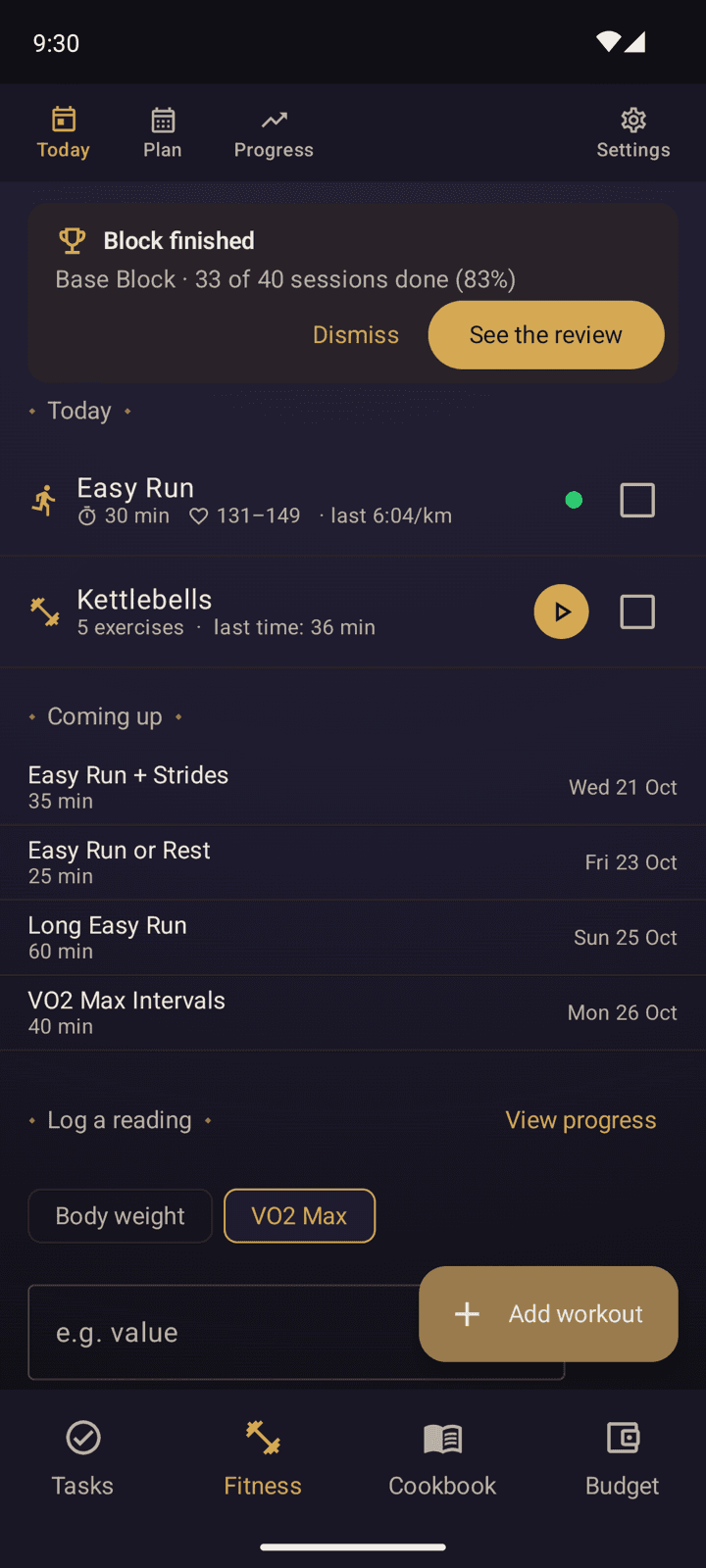
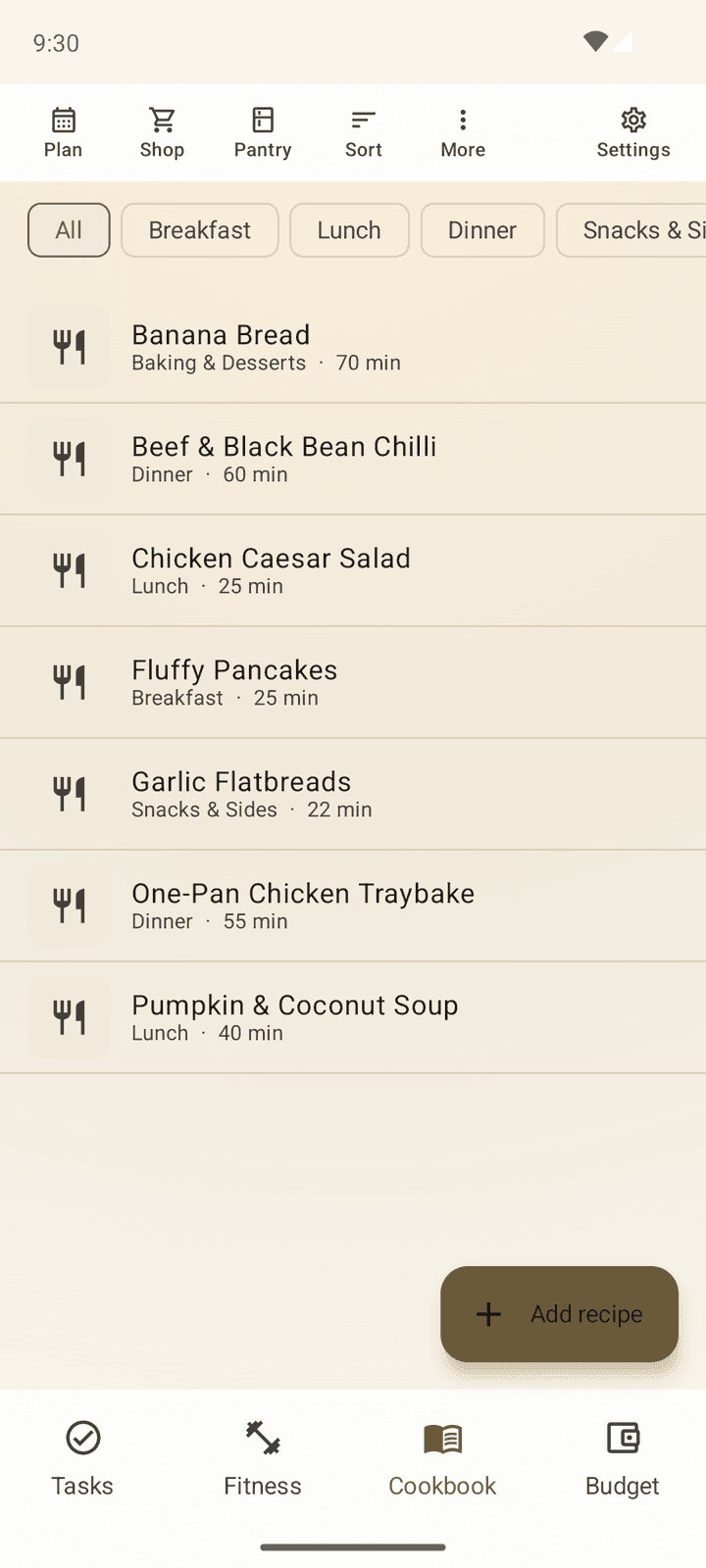
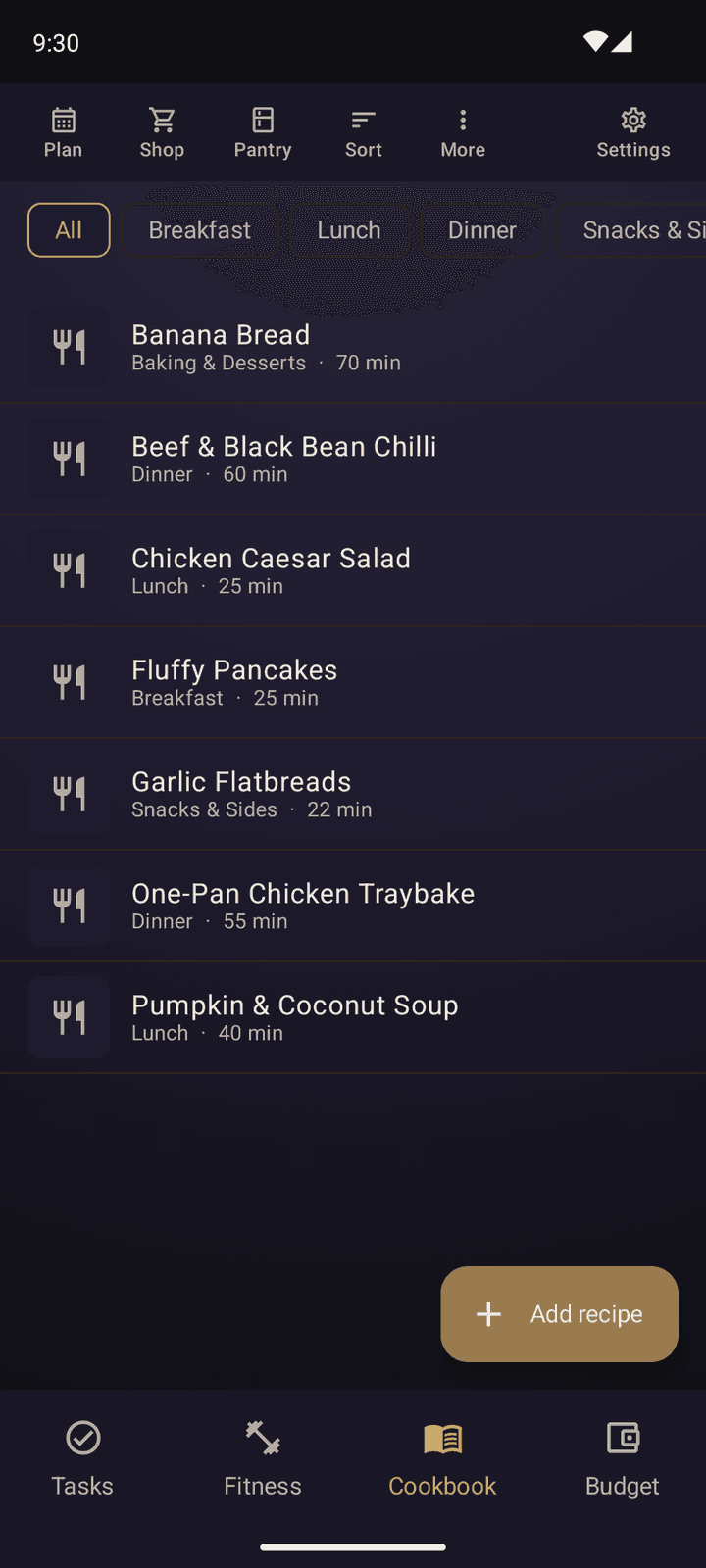
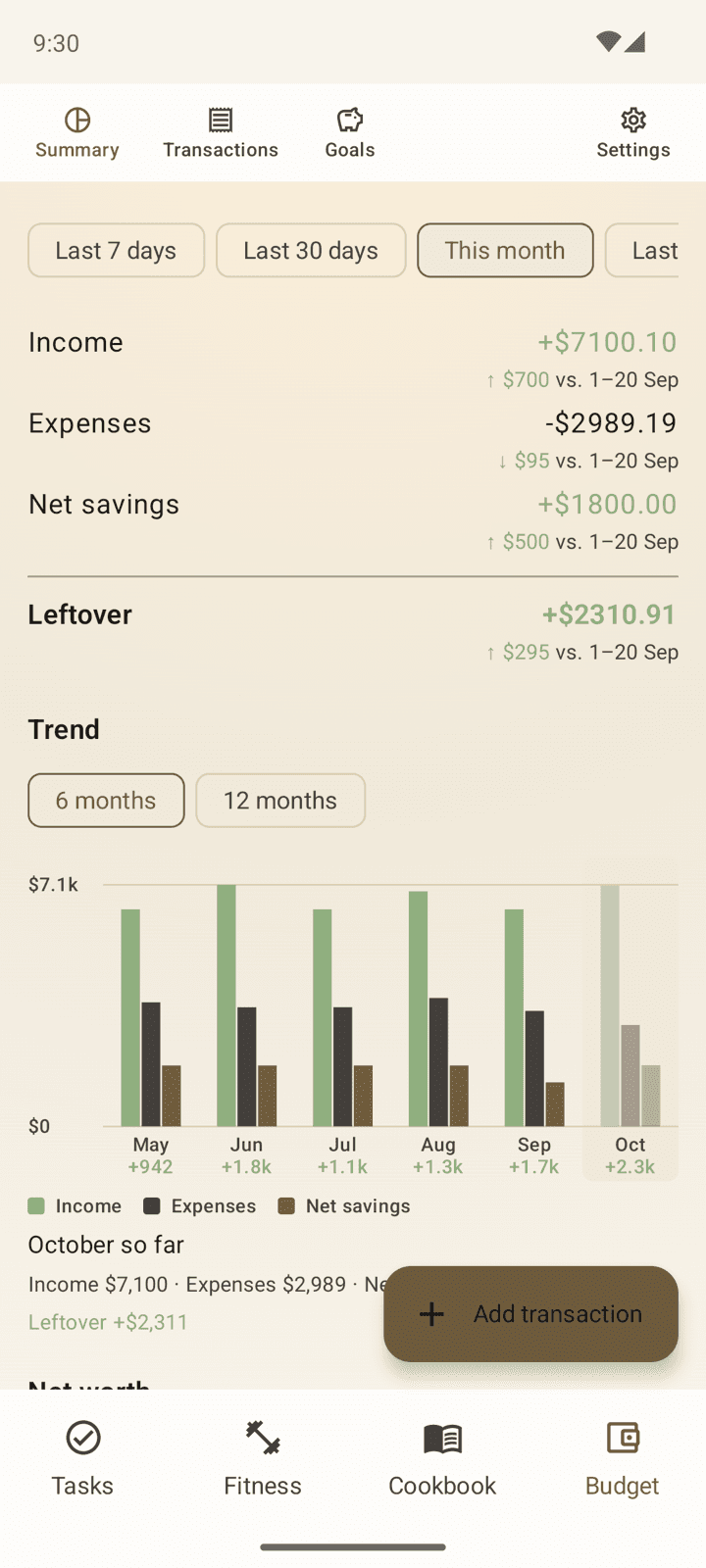
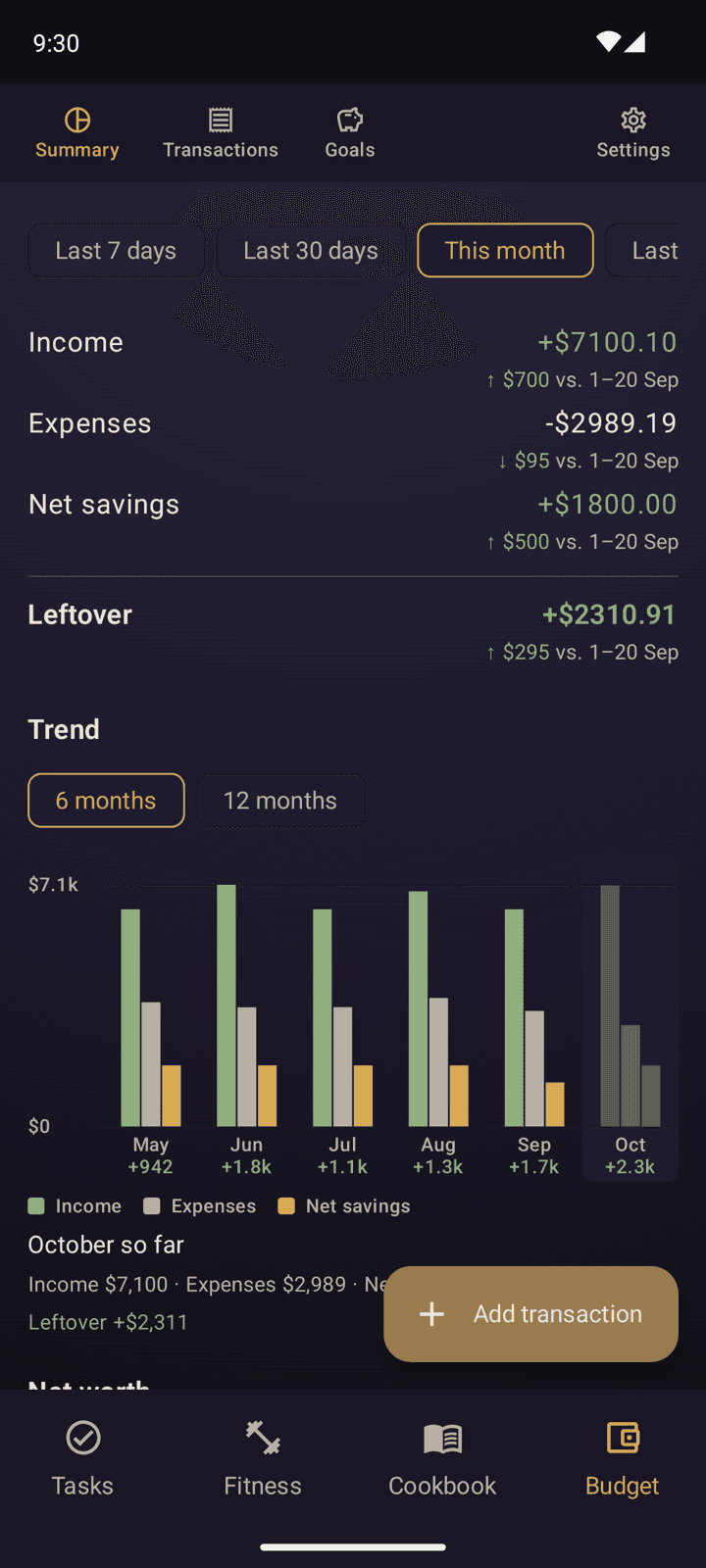
Native Kotlin and Jetpack Compose, running entirely on-device. Currently not published anywhere, since I'm still working on it and there are some rough edges.
What's the point of being a software engineer if I don't engineer myself a software every now and then?
There are three main reasons I decided to make this app myself:
- To have an app that does exactly what I want it to do. No ads, no tracking, no AI slop.
- To use my phone less, with everything I need in one place that I can access easily.
- To learn and experiment with app development. I like making things, in case you couldn't tell from this site.
Task Manager
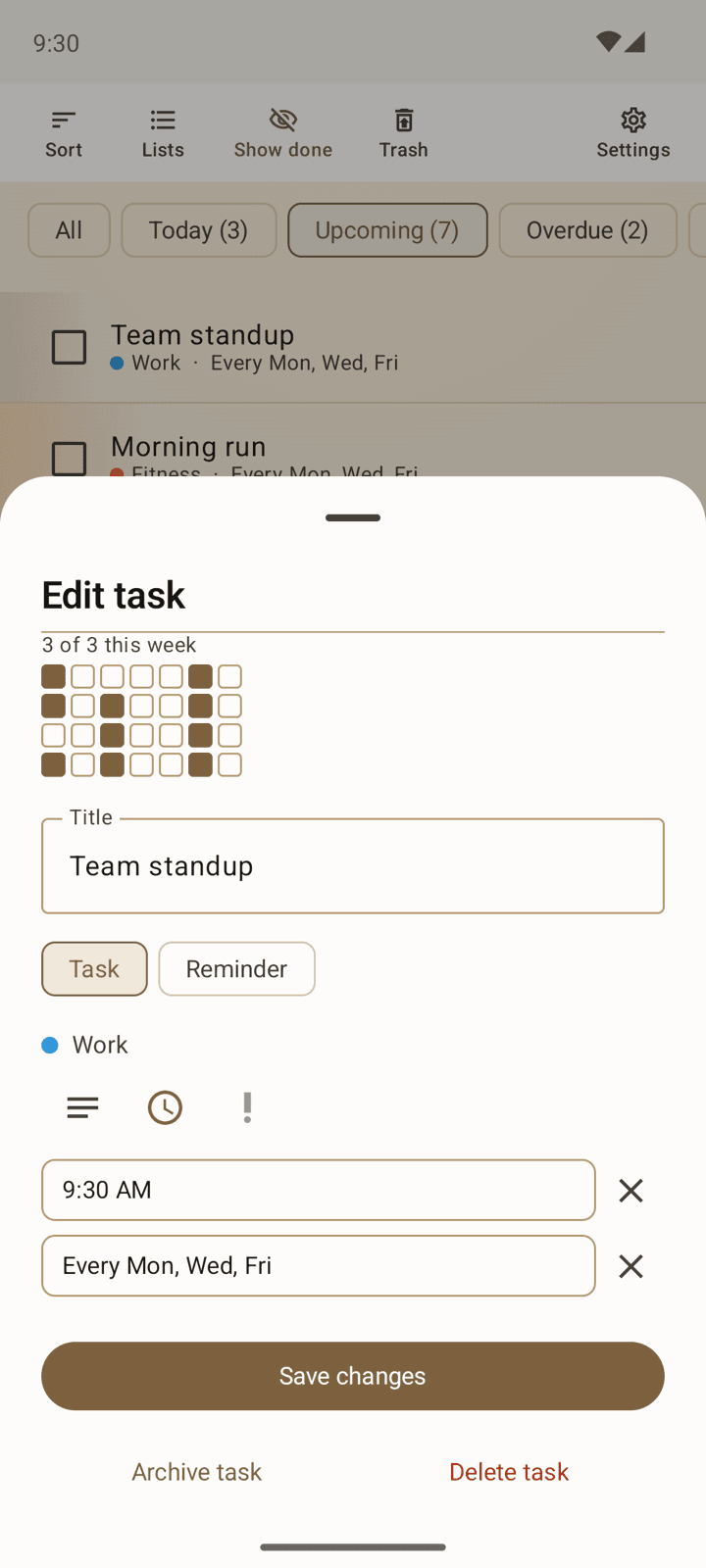
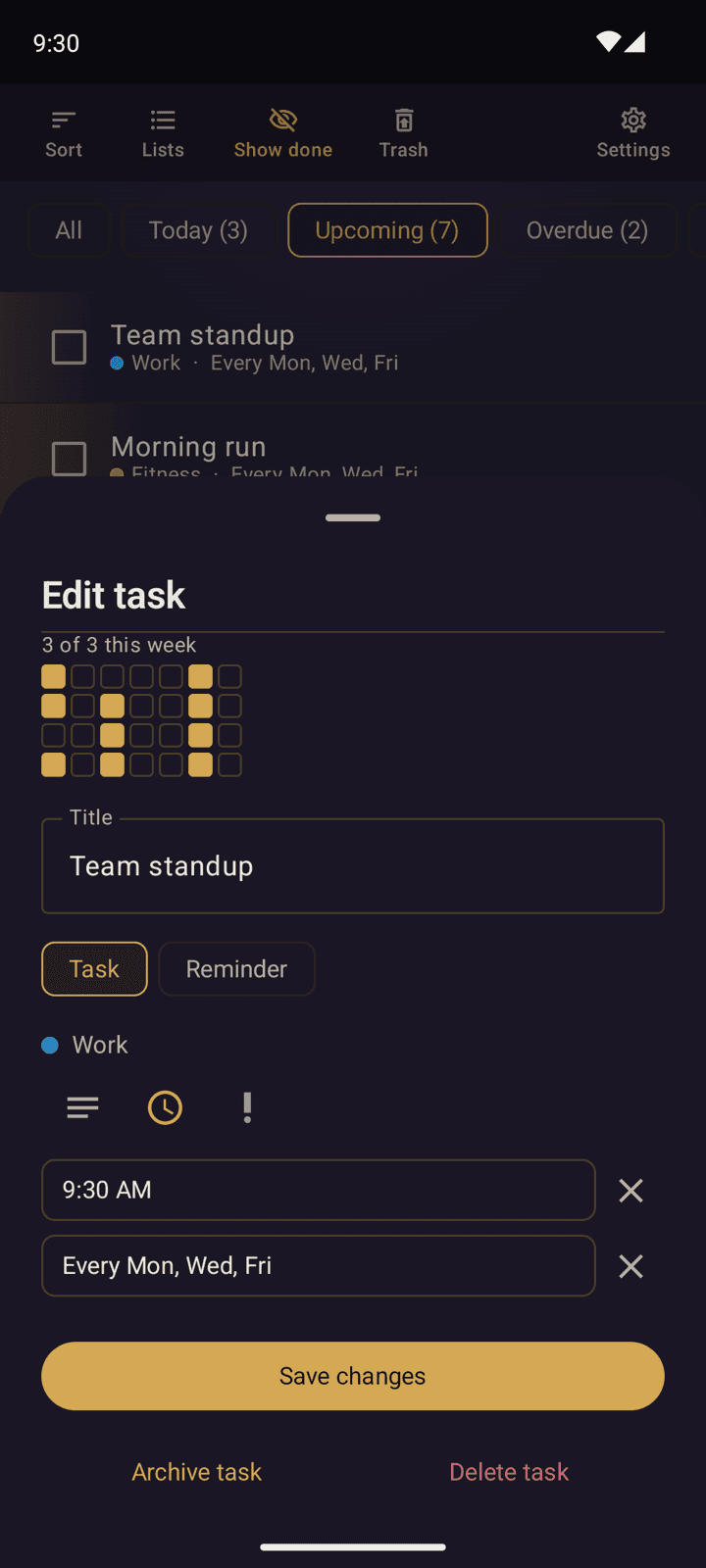
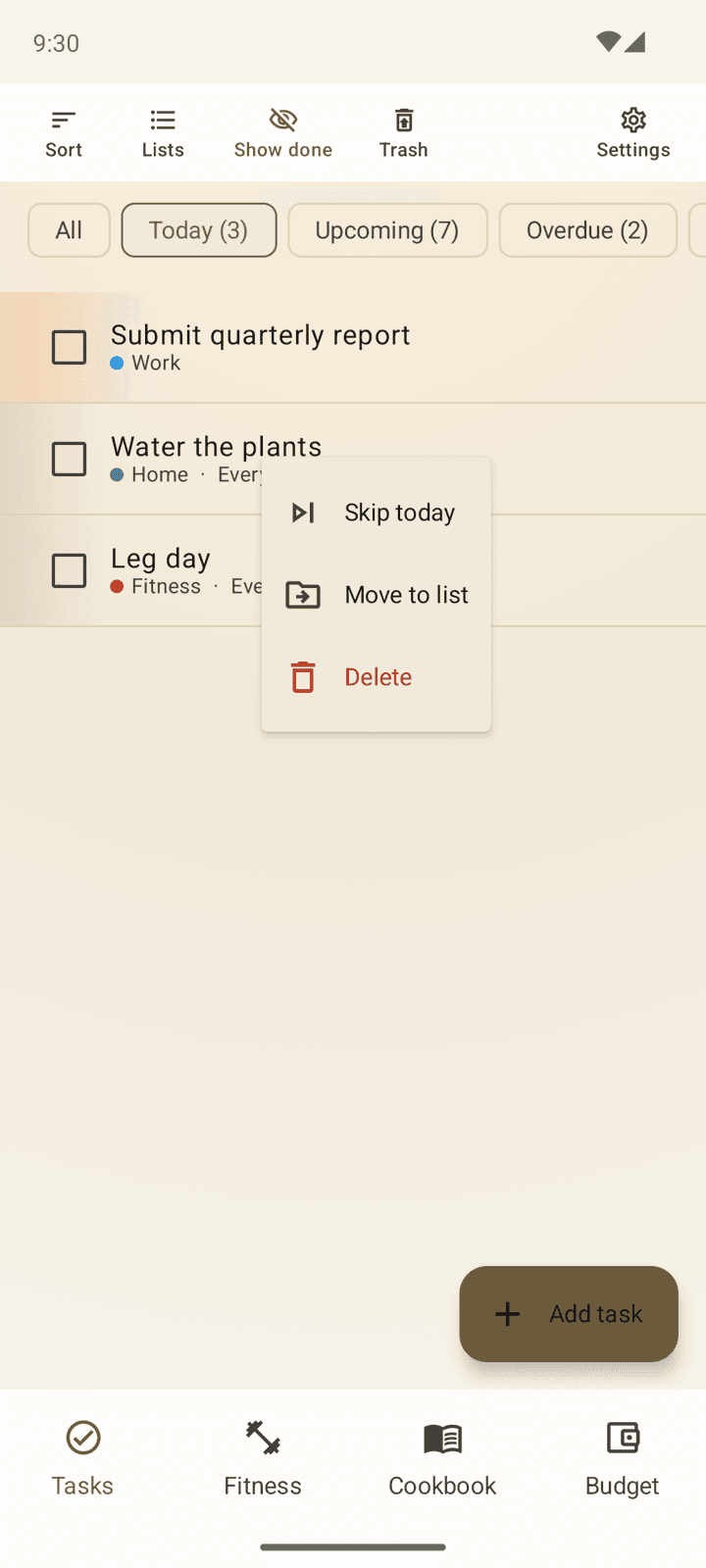
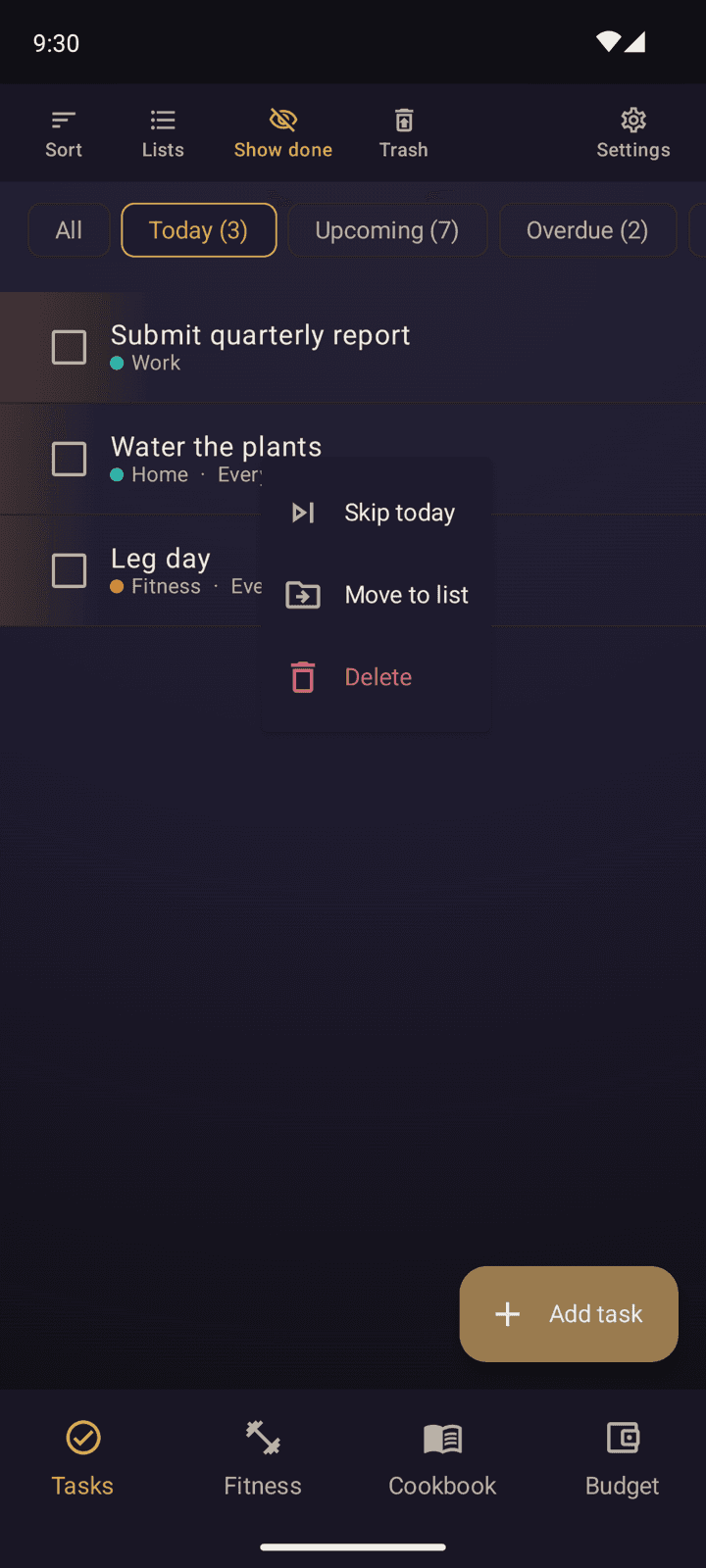
The first major feature I built, and one of the main inspirations for the project. One-off and repeating tasks with proper repeat rules: daily habits, weekly chores, monthly bills, and reminders that only fire once. Everything can be organised into lists, given priorities, and set up with exact-time notifications that survive reboots and Samsung's enthusiasm for killing background alarms. Notifications can also be snoozed, which turned out to be far more complicated to implement than I expected. Every task row (along with almost everything else in the app) has a long-press menu with relevant options that I didn't have space to put anywhere else.
Fitness Tracker
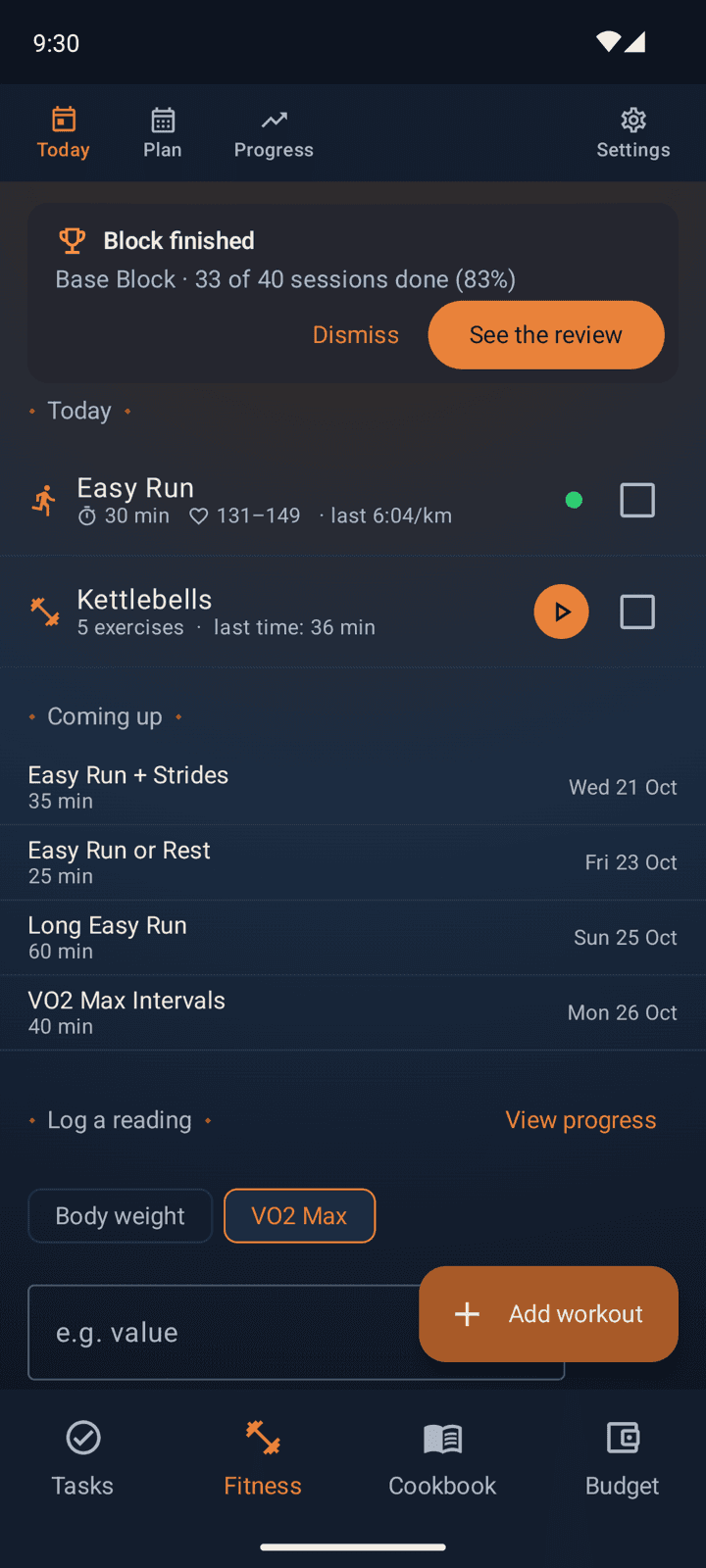
The fitness tracker is maybe the most useful feature for me personally, since decent fitness-tracking apps that don't require a subscription or have some other annoying limitation are hard to find. That said, The Everything App's fitness tracker is probably also the least adaptable to other people's needs, since I have it set up to track the kinds of workouts I do, which are mostly running and strength training. That works great for me, but if I ever do release this app publicly, this is the feature that would need the most work to be more generally useful.
The fitness tracker also integrates with Android's Health Connect, so a run recorded on my watch is matched against the planned run in the app with no extra effort. For interval runs, the app picks each rep out of the watch's heart rate and speed, so every rep gets its own pace and heart rate. The same code works out kilometre splits for races. The Progress tab charts each metric with a trend line and a projected date for reaching its goal; support for other types of workouts and devices will build on that foundation.
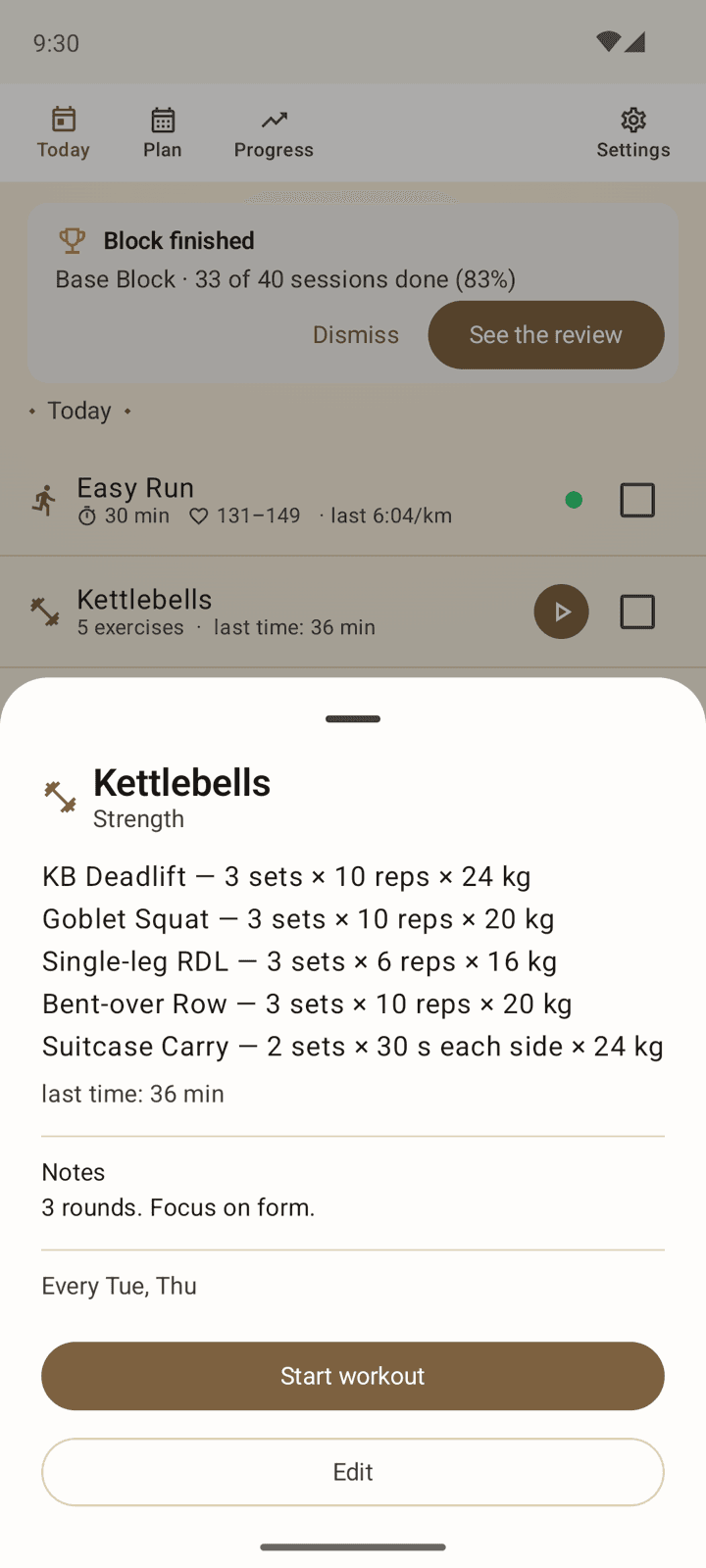
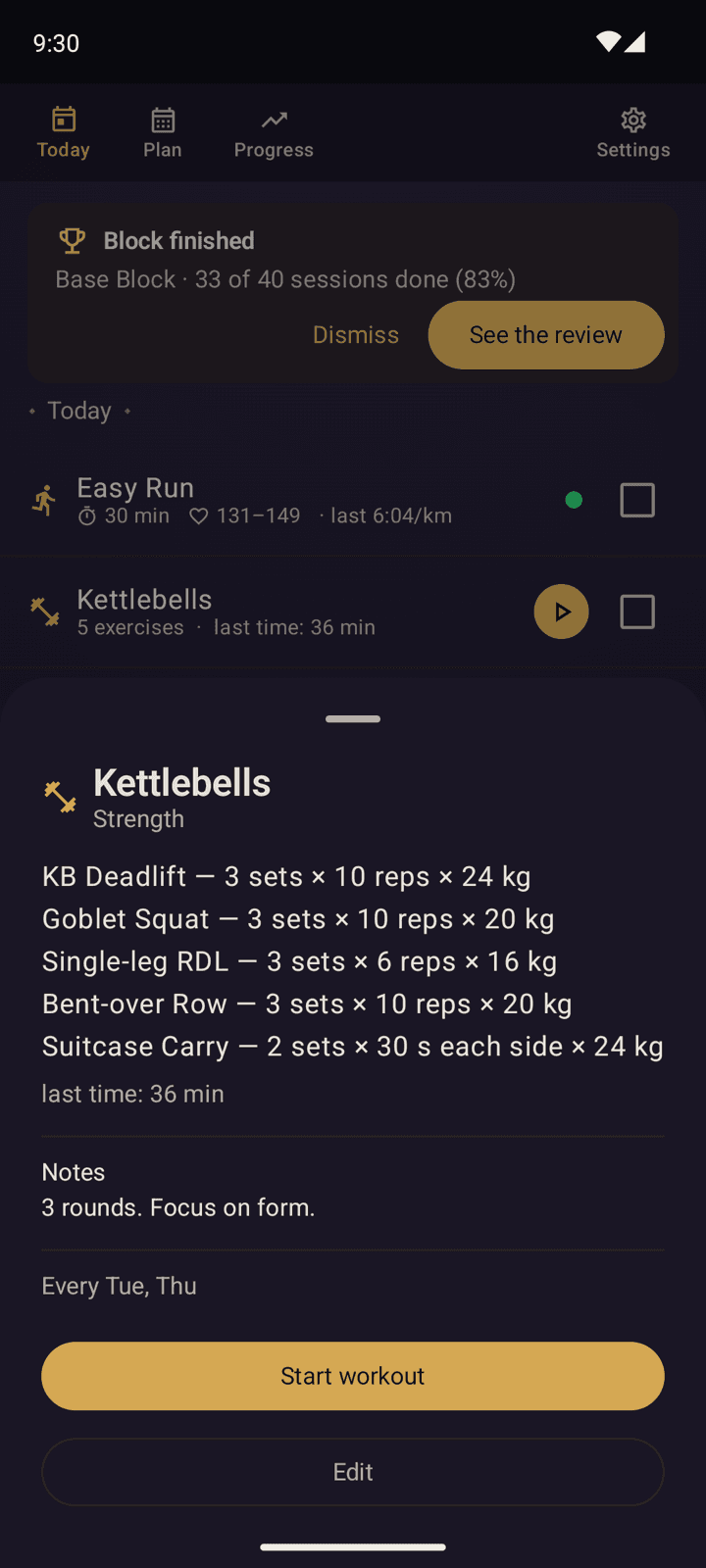
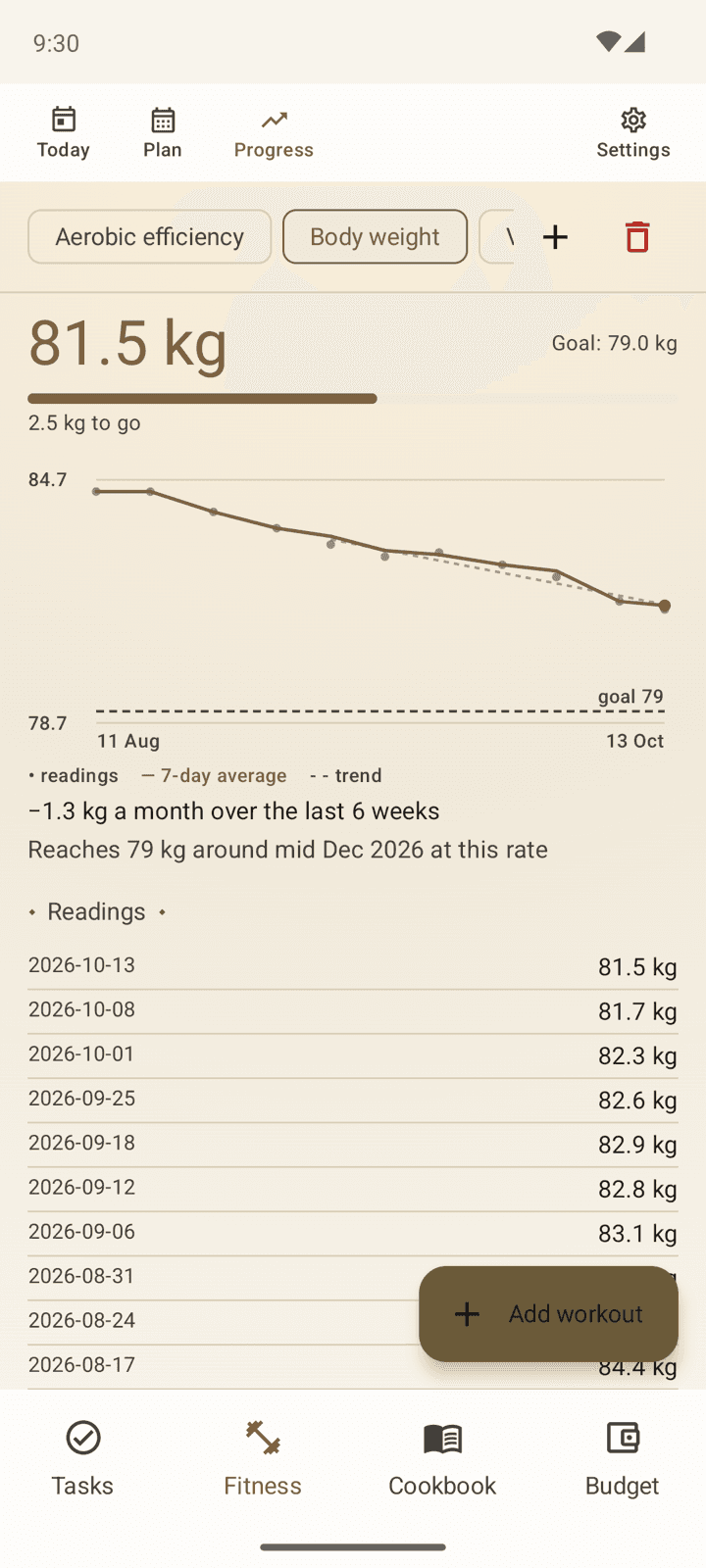
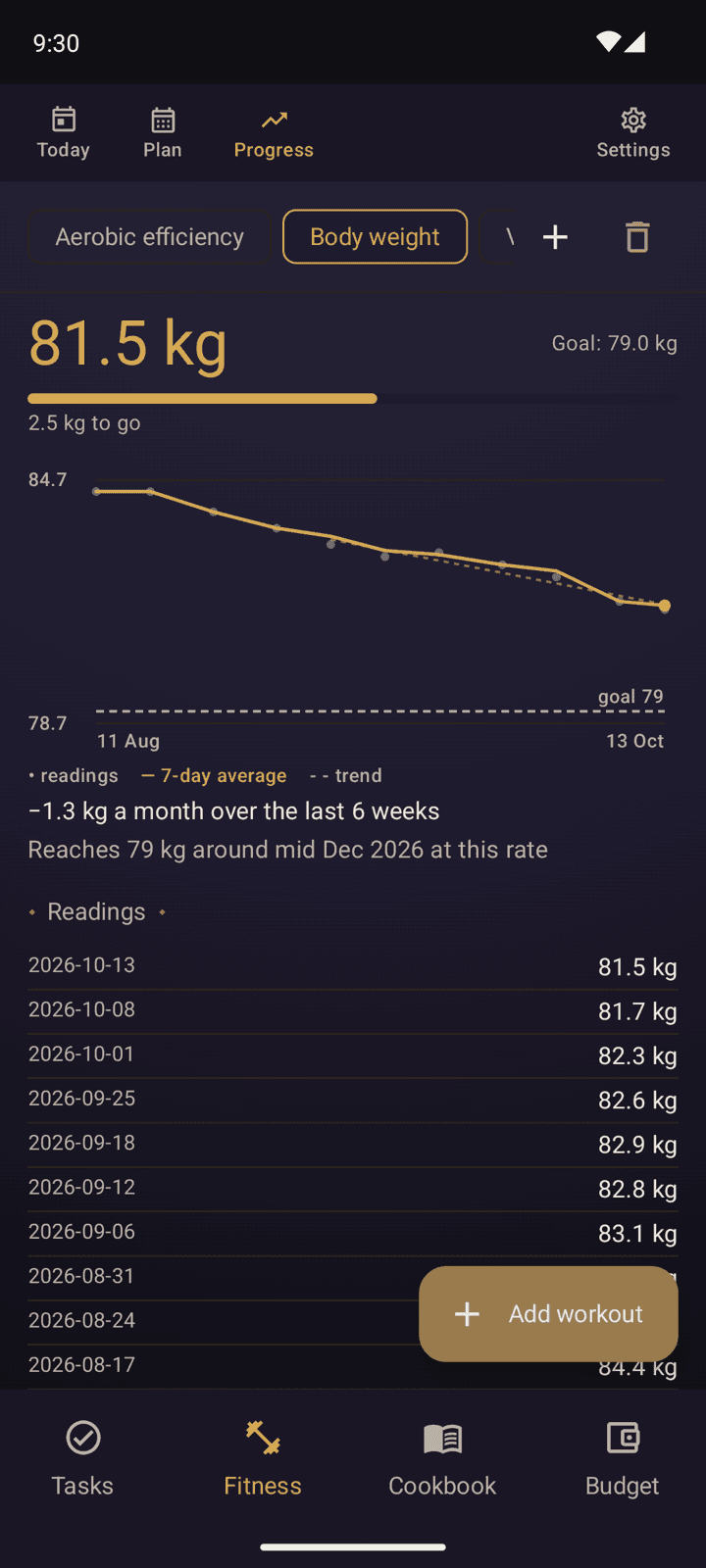
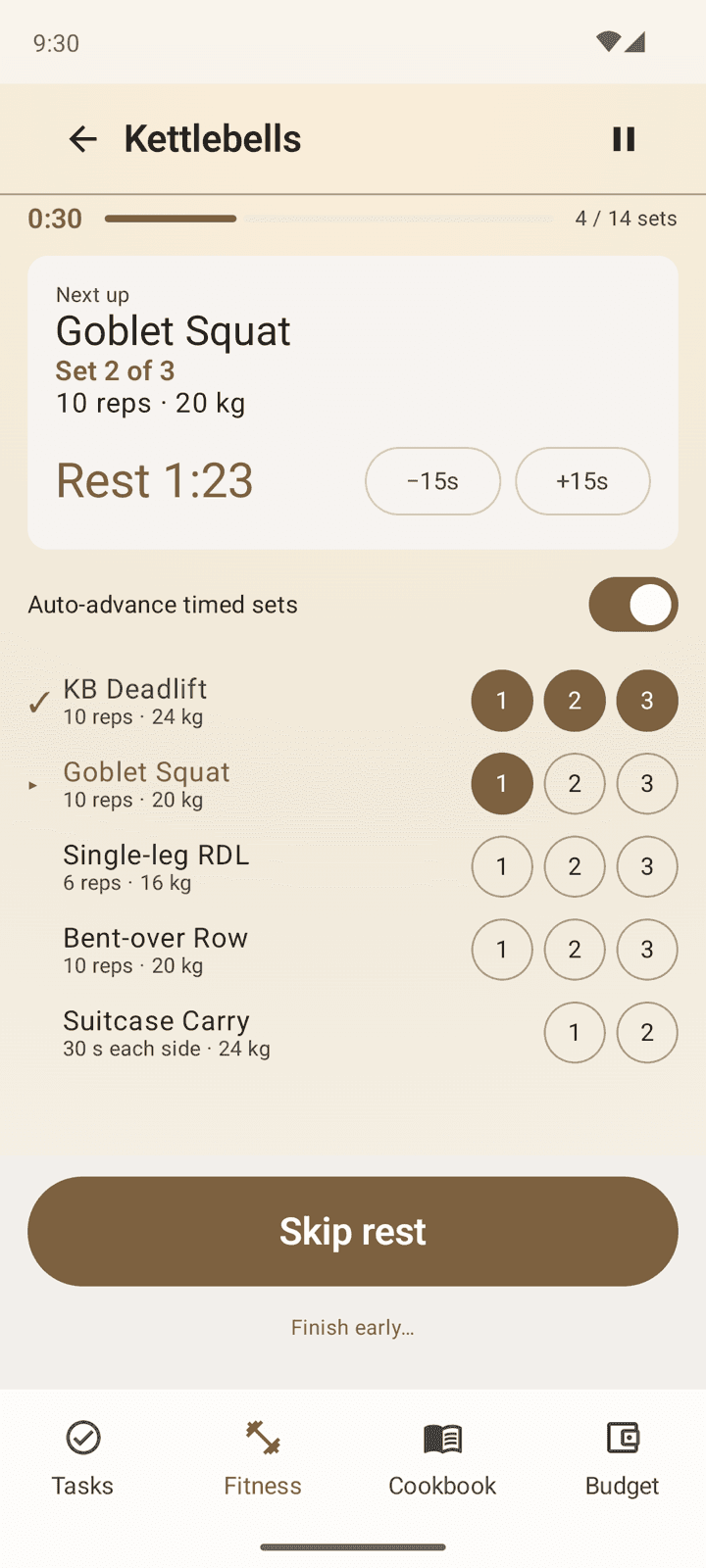
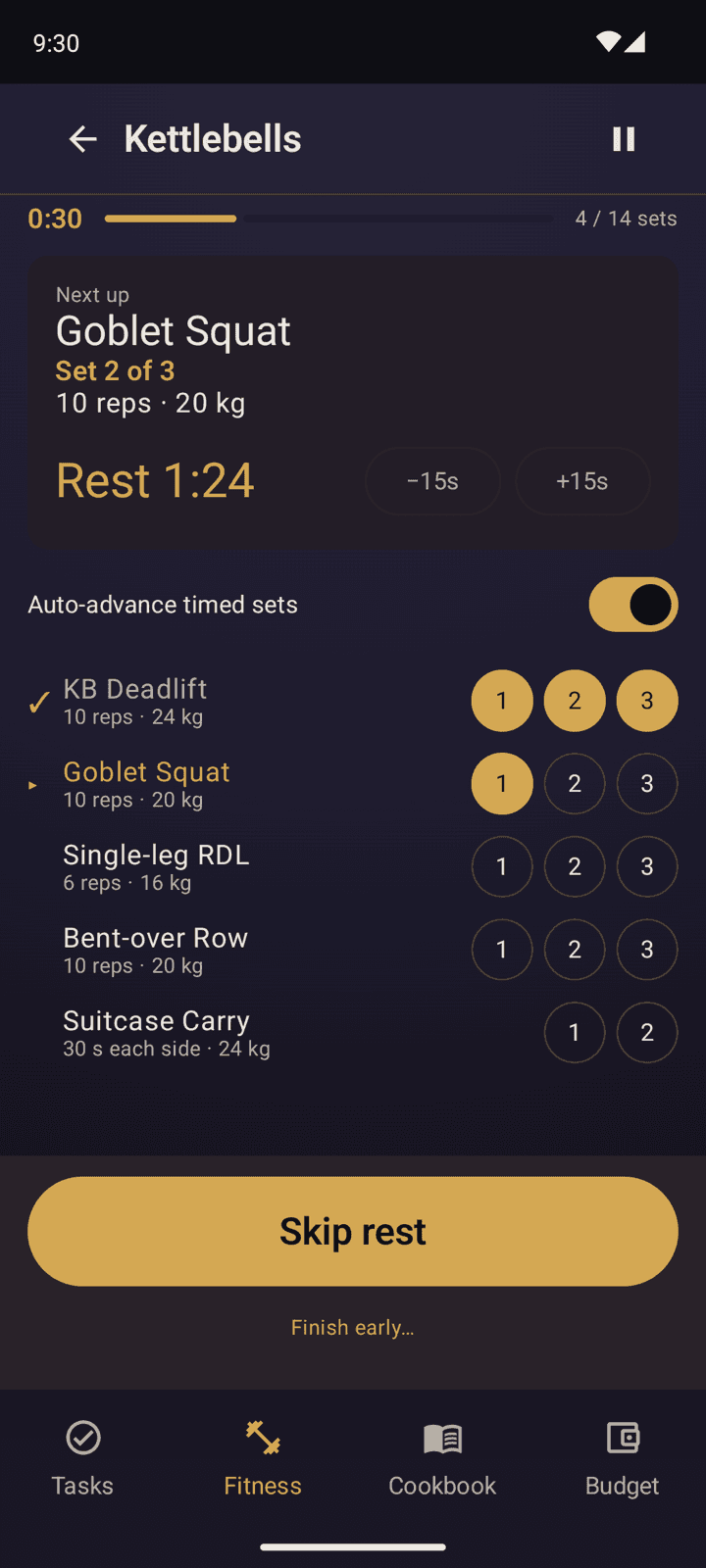
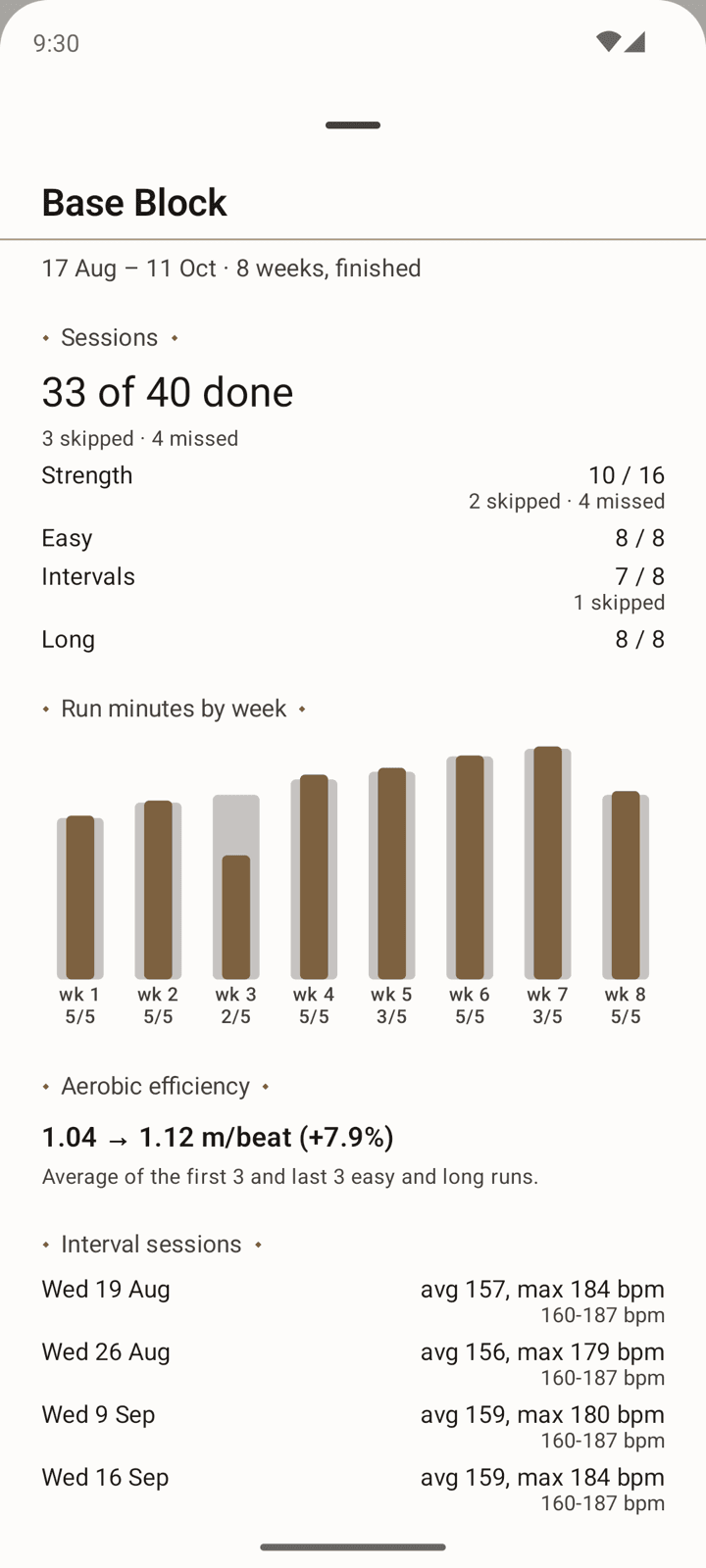
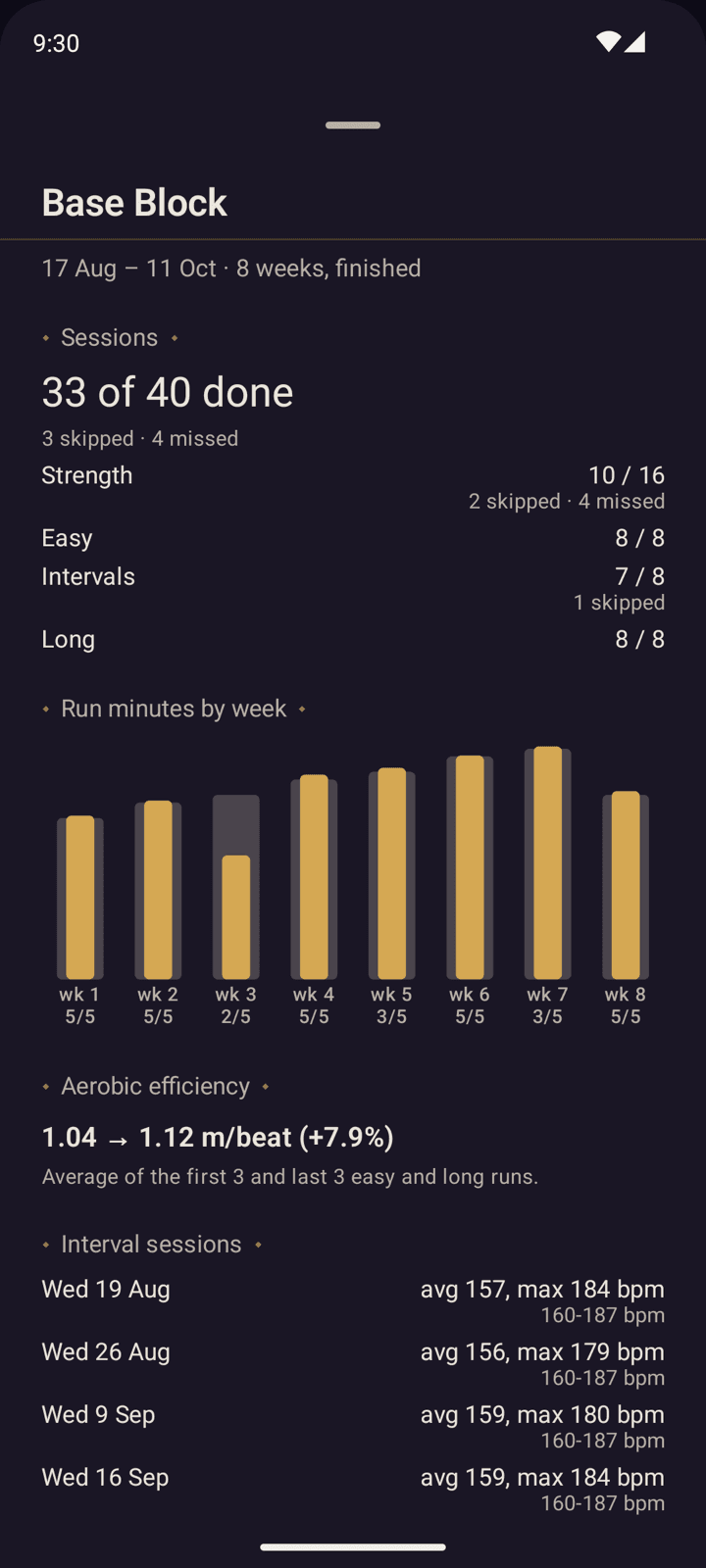
One of the most useful features I've added to the fitness tracker is the active mode for strength training, which lets you tick off sets as you complete them, starts a rest countdown for the next set (timed sets work the same way), and keeps an elapsed clock for the whole session. The block review at the end of a training plan shows how you did over the course of the plan, complete with charts.
Cookbook
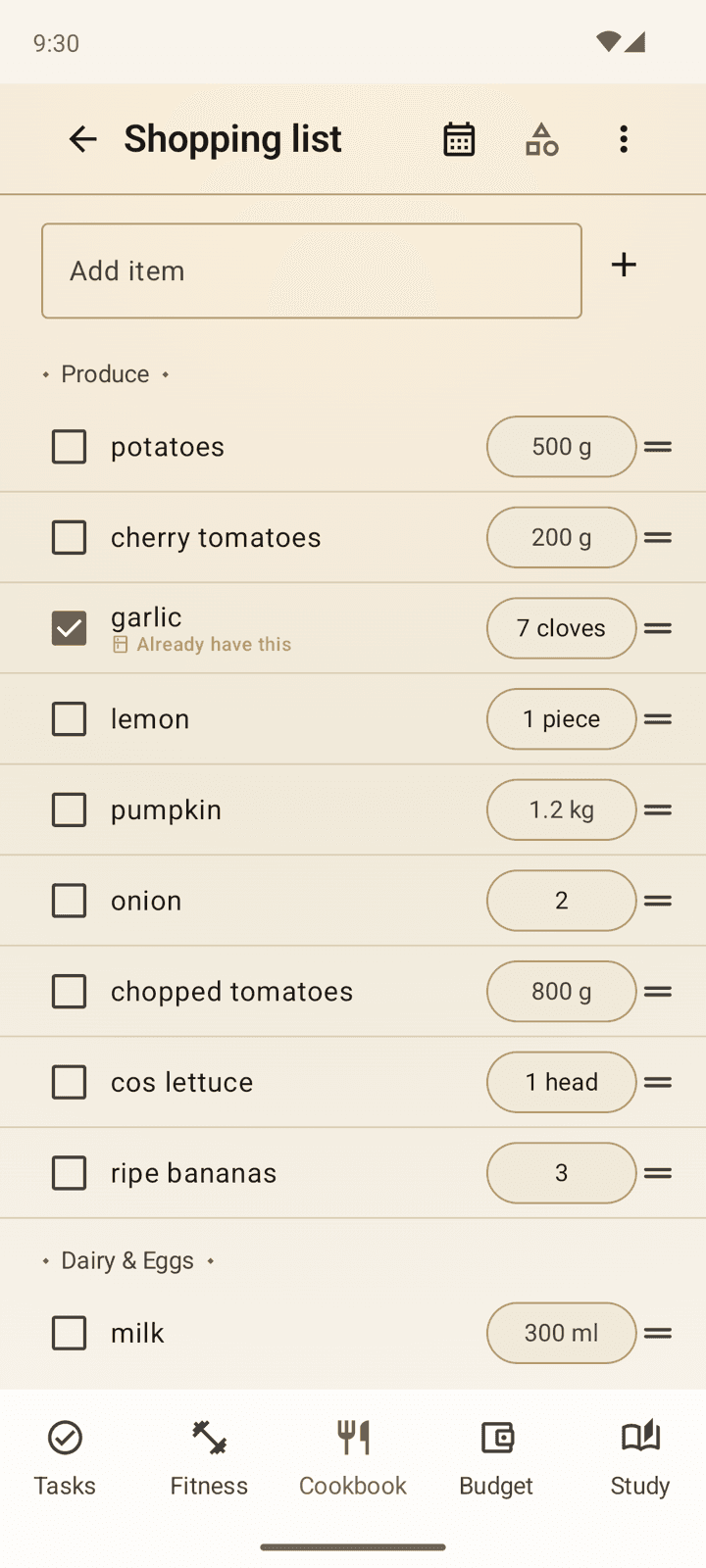
A recipe library that allows you to write down and store your own recipes, or import them from the web. You can add recipes to a meal plan for the week, and the app will generate a shopping list for you based on the recipes you've selected. The shopping list also accounts for what's already in your pantry, so it isn't filled with staples. It starts with a guess at what you have, and you can add and remove items from there. When something runs out, one tap puts it straight onto the shopping list. You can also keep a list of things you want to make, and upgrade them to full recipes when you get around to it.
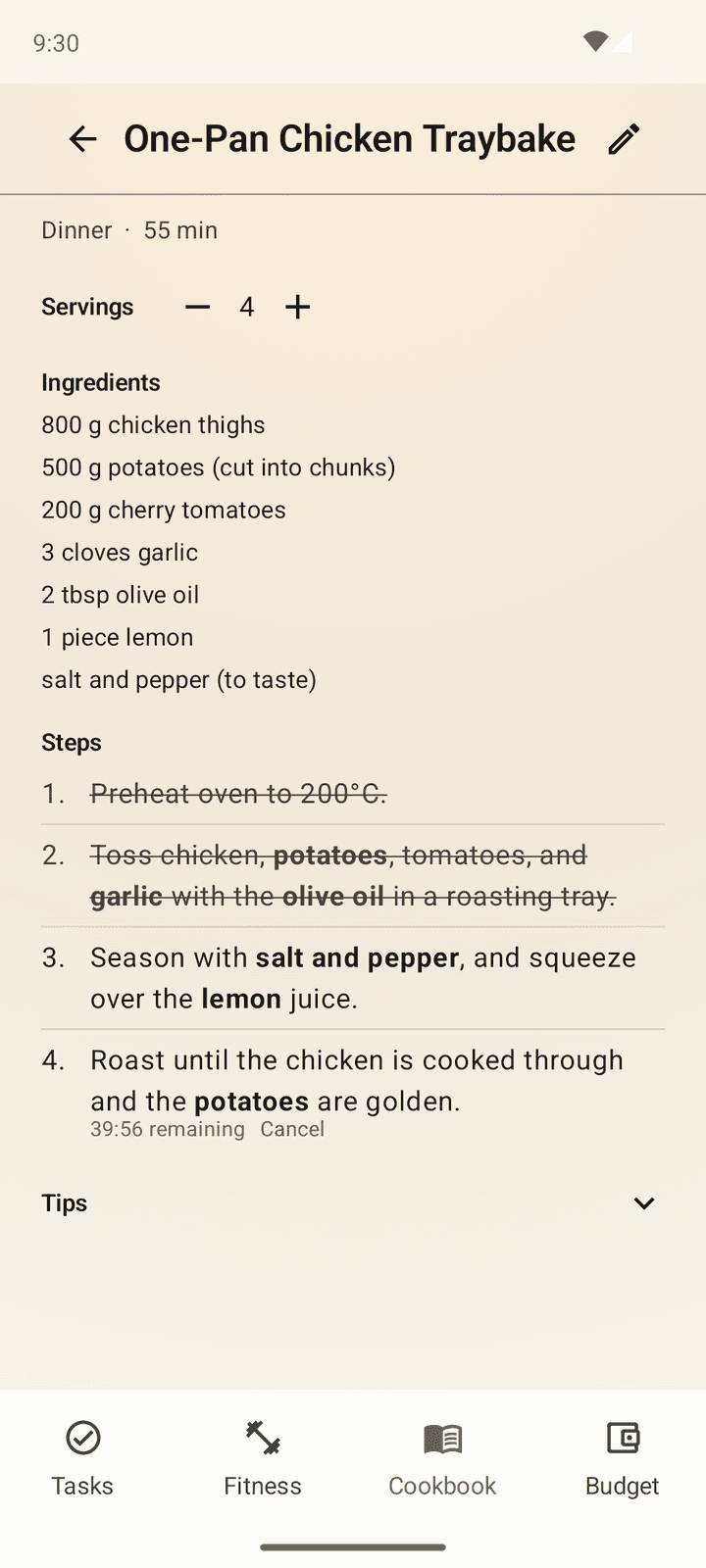
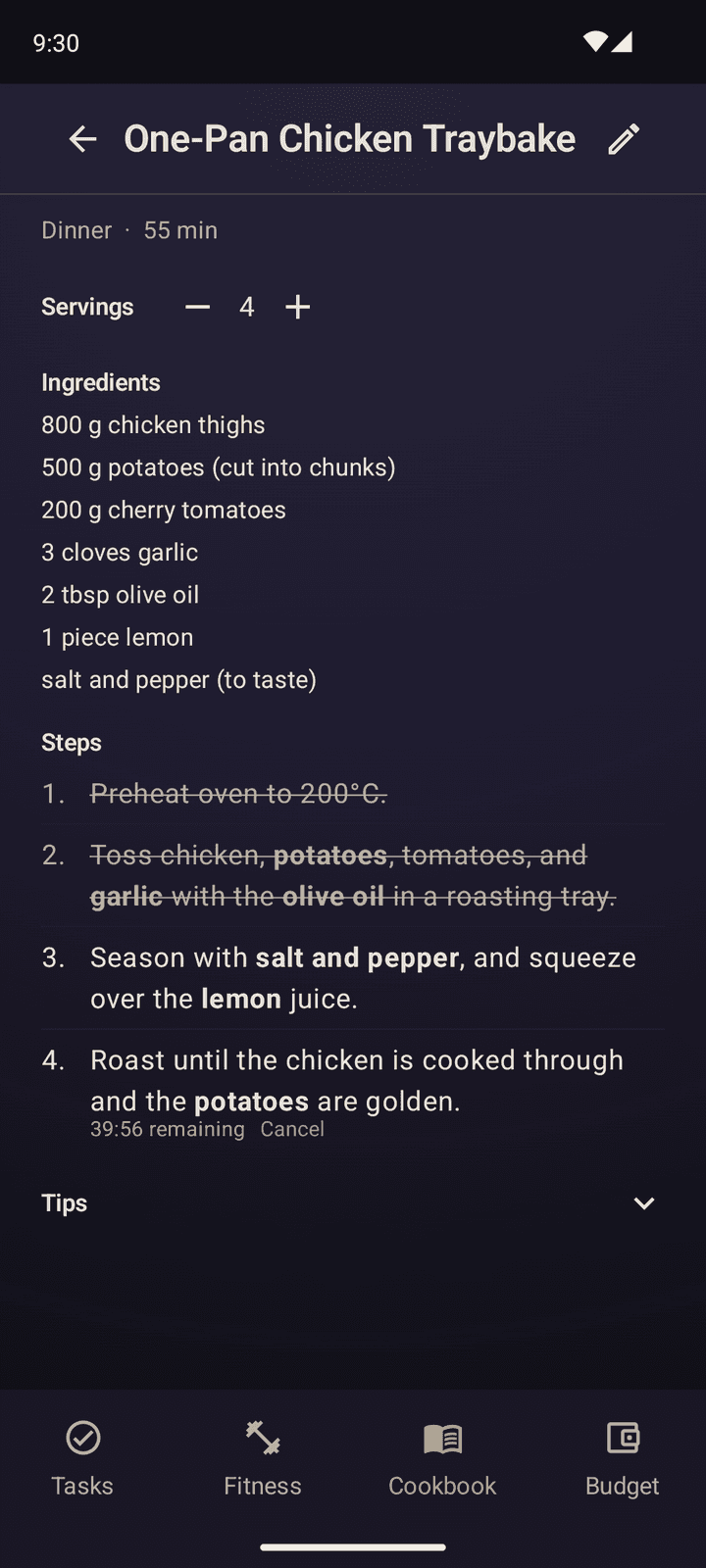
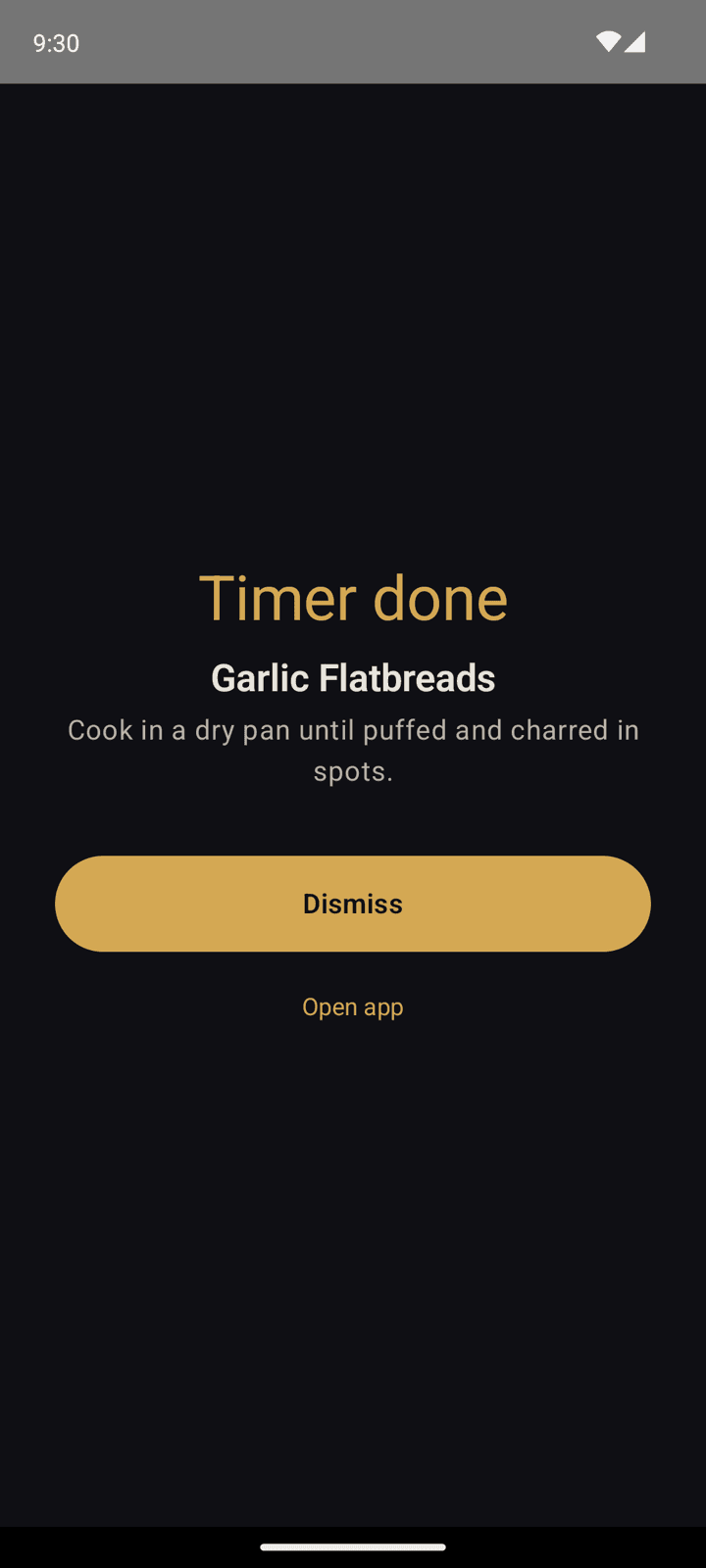
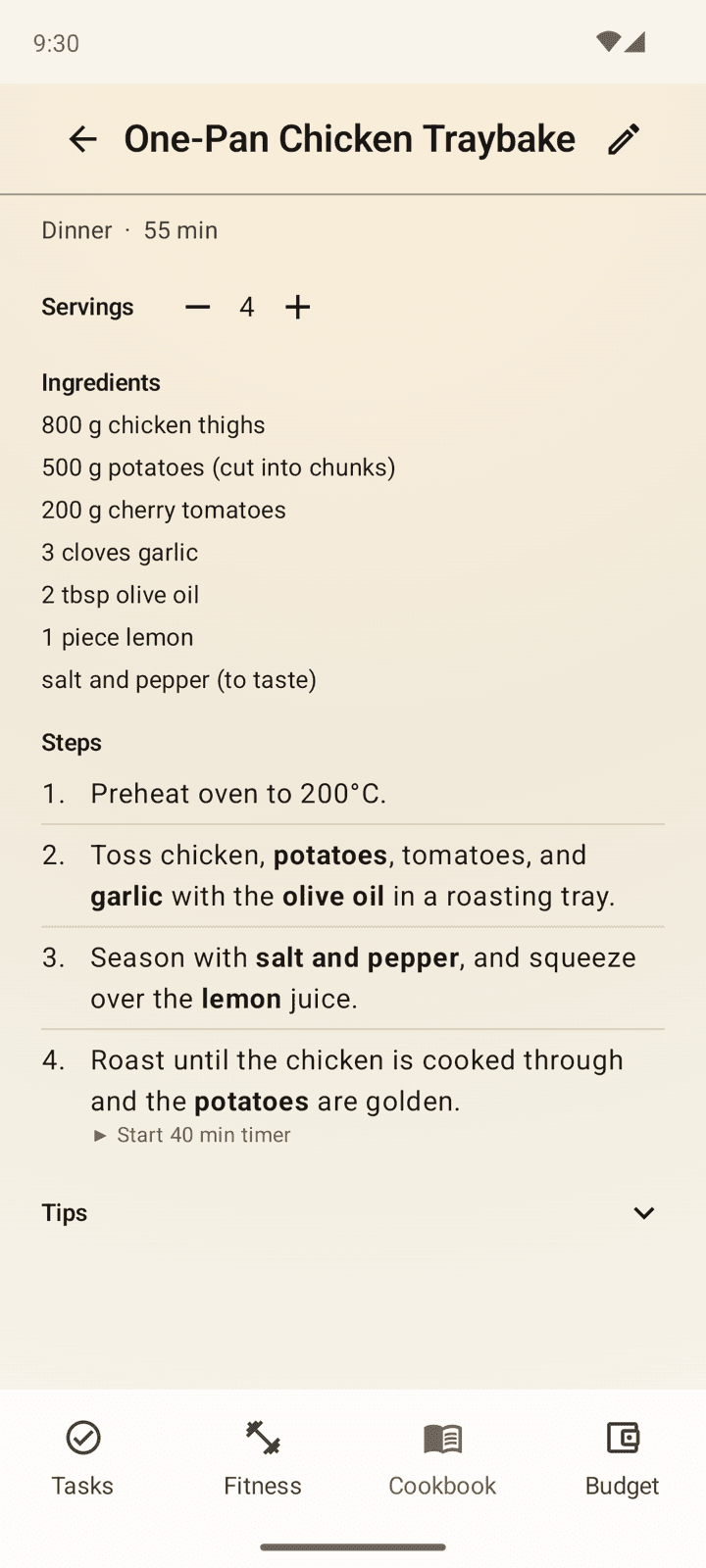
When you're cooking, you can use the step-by-step view to see the ingredients and steps for the recipe, and set a timer in the app for each step with a single tap. Steps can be ticked off as you go. Ingredients scale with the number of servings and do their best to convert between units (a surprisingly hard problem, and my solution is only mostly correct).
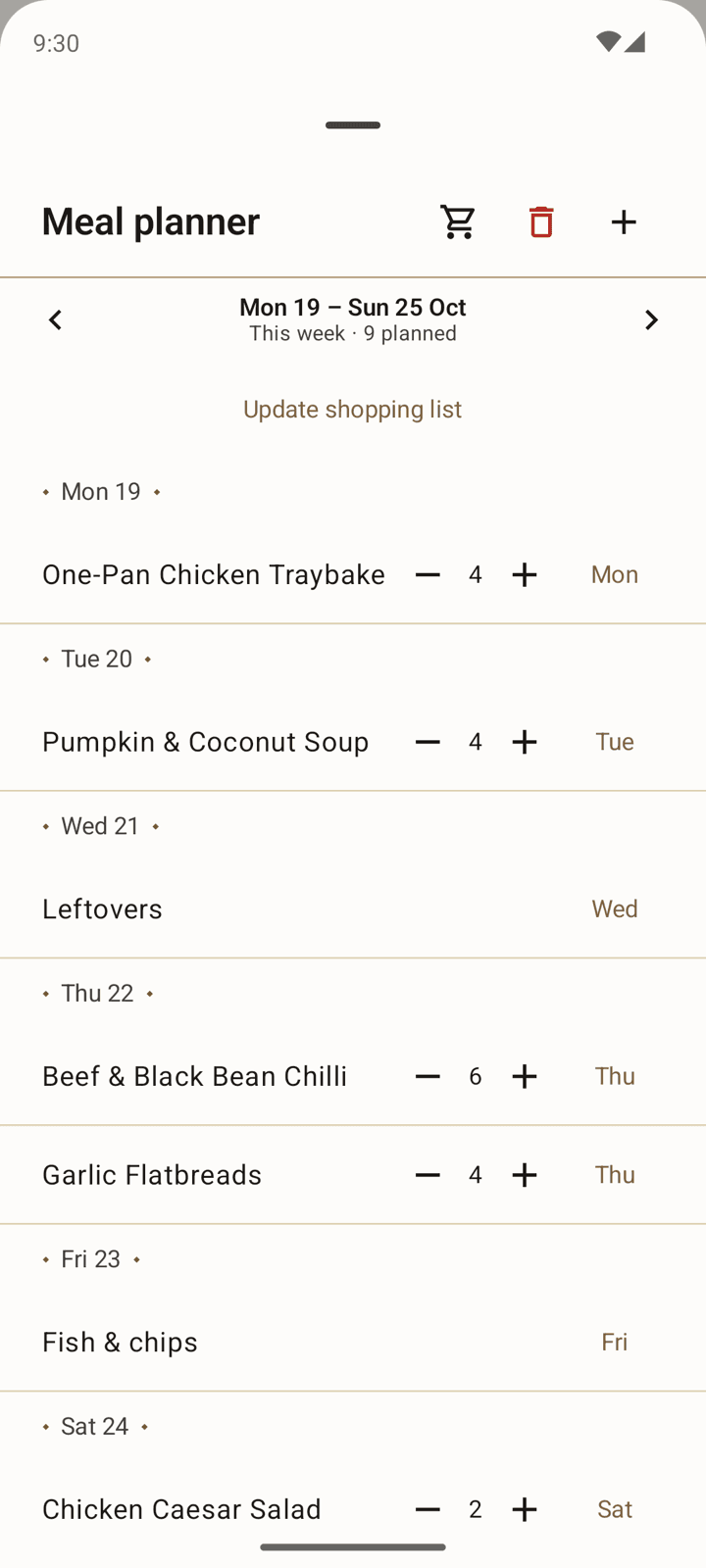
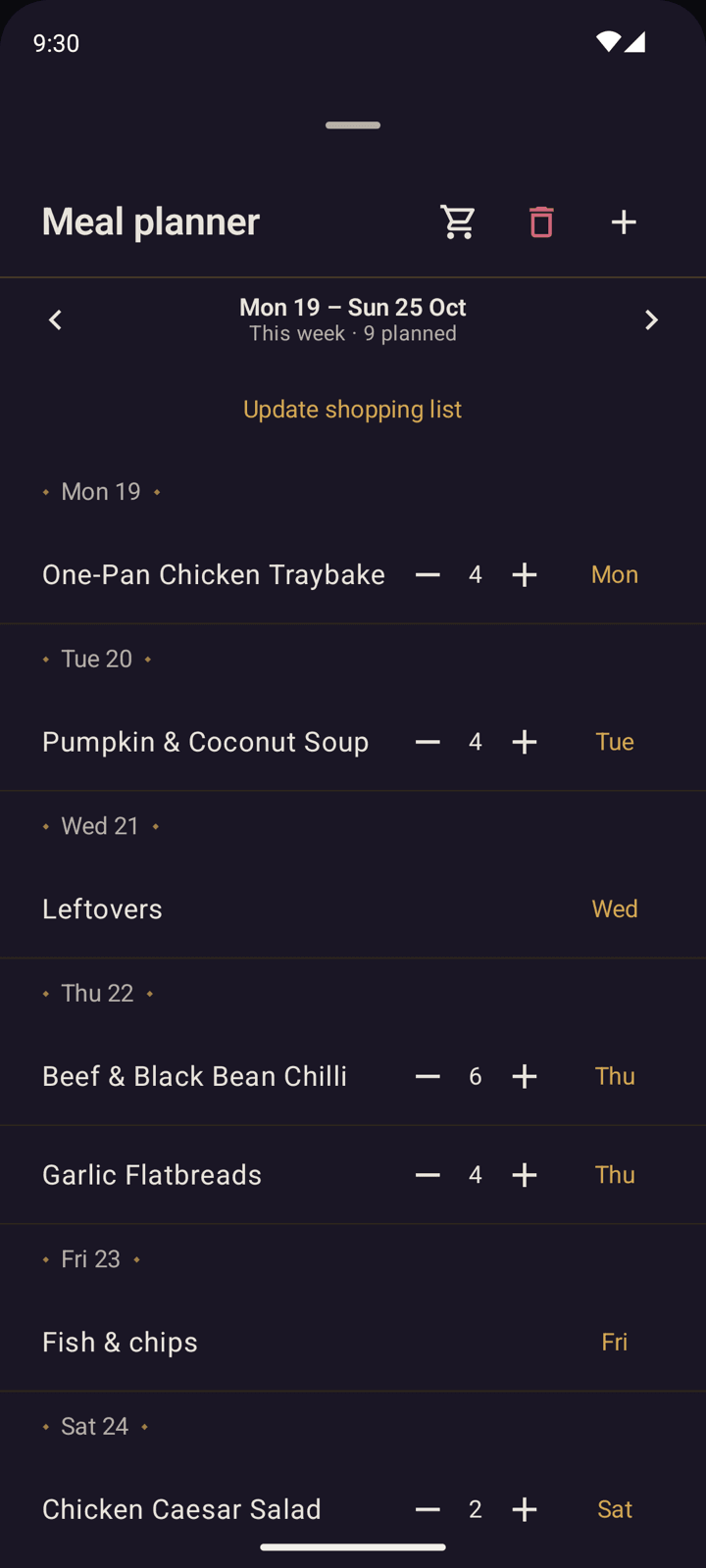
The meal planner is a simple week view where each day can hold recipes, or meals you don't have a recipe for. It keeps its history, so you can go back in time and find meals you haven't made in a while. The shopping list can be updated from the meal plan, and tries its best to organise the items by aisle (another surprisingly hard problem without building in a whole LLM).
Budget Tracker
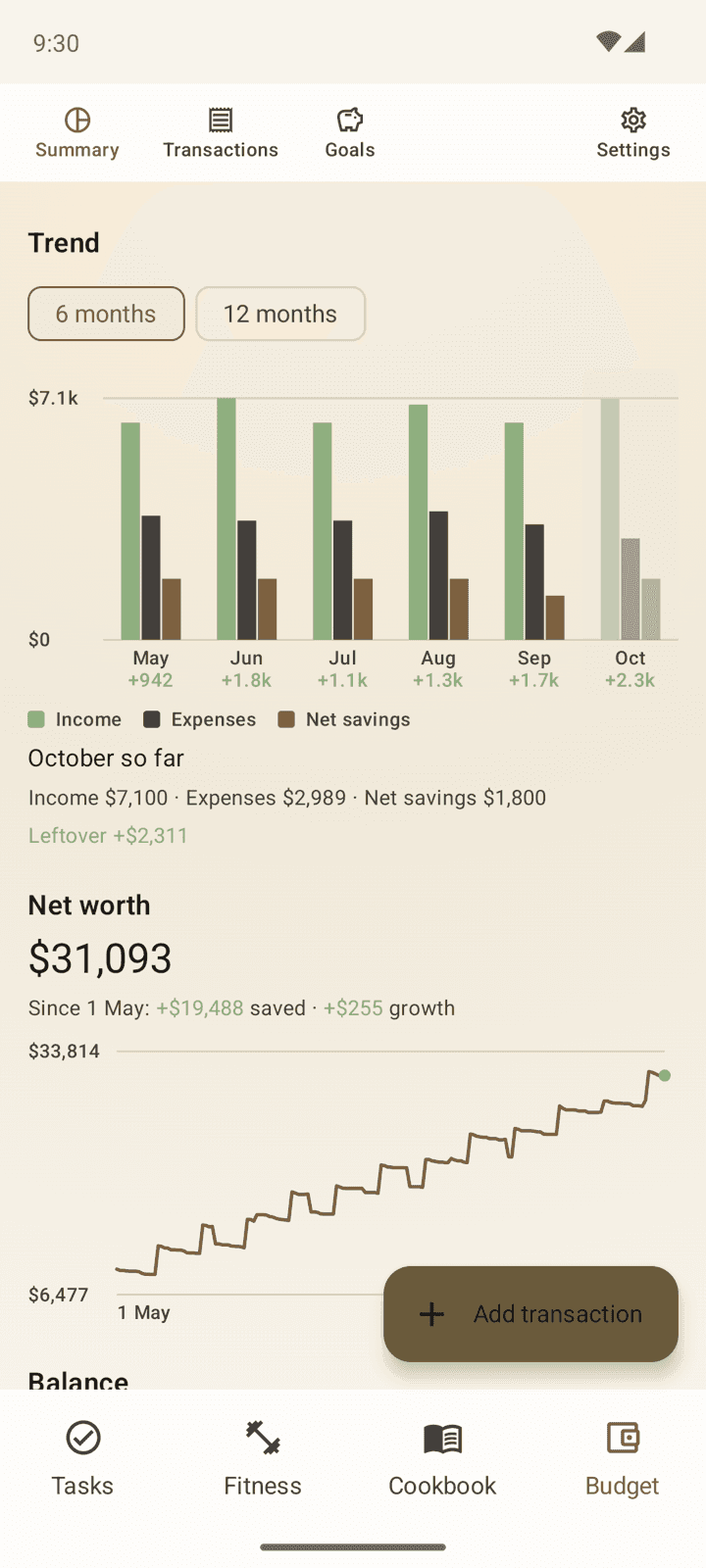
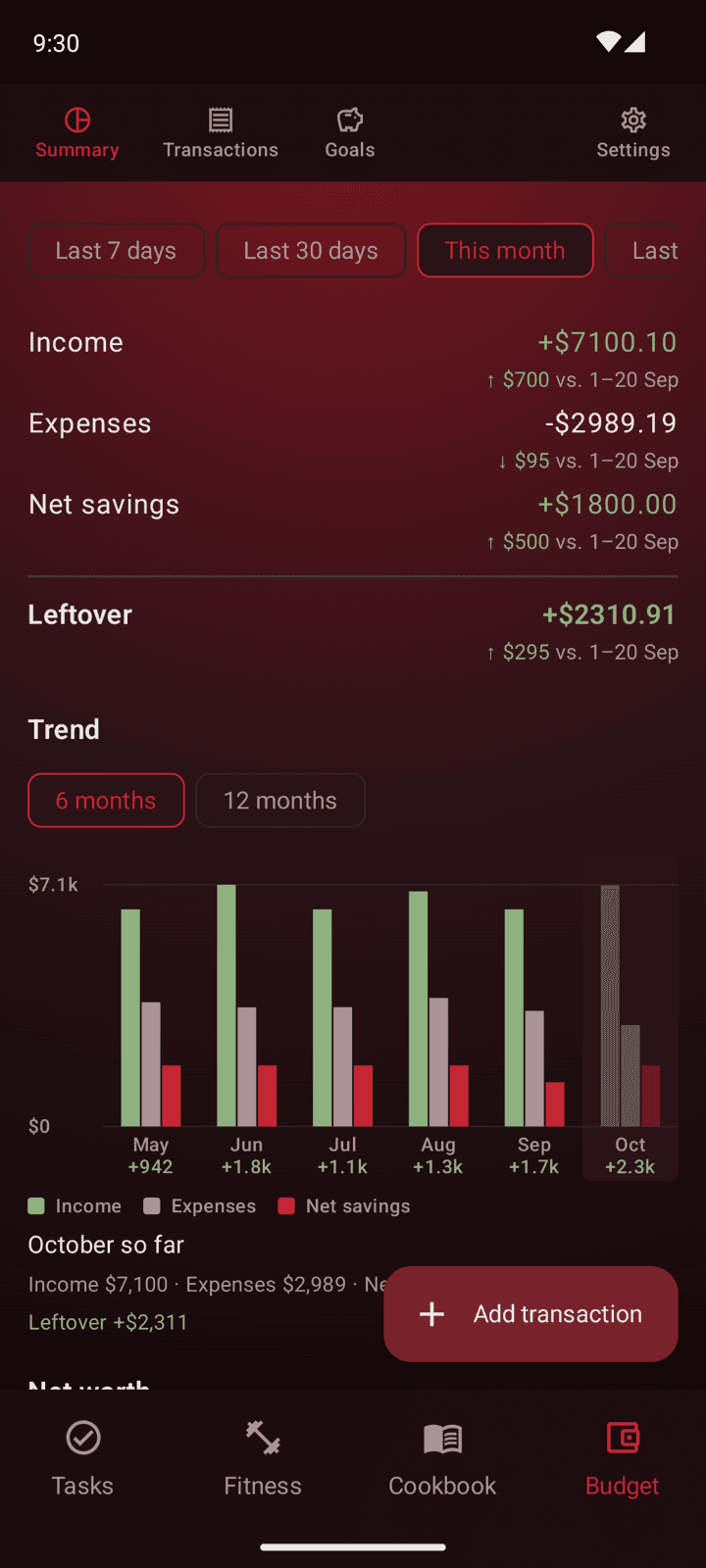
This feature is based on the spreadsheet I used to maintain, and now replaces it in my daily life. The goal is to have a simple, fast and accurate way to keep track of my finances and see at a glance where all my money is going. I wanted to be able to log a transaction in seconds, and have recurring transactions log themselves so I don't even have to think about them. I've filled it with all sorts of charts and summaries to really overload you with information about your finances, but you have to scroll down to see most of it.
A transaction is logged as income, expense or savings, with your own categories and accounts for each type. You can set monthly limits per category, and the summary tab, the first screen you see when you open the budget tracker, shows your spending against those limits and against your averages from previous months.
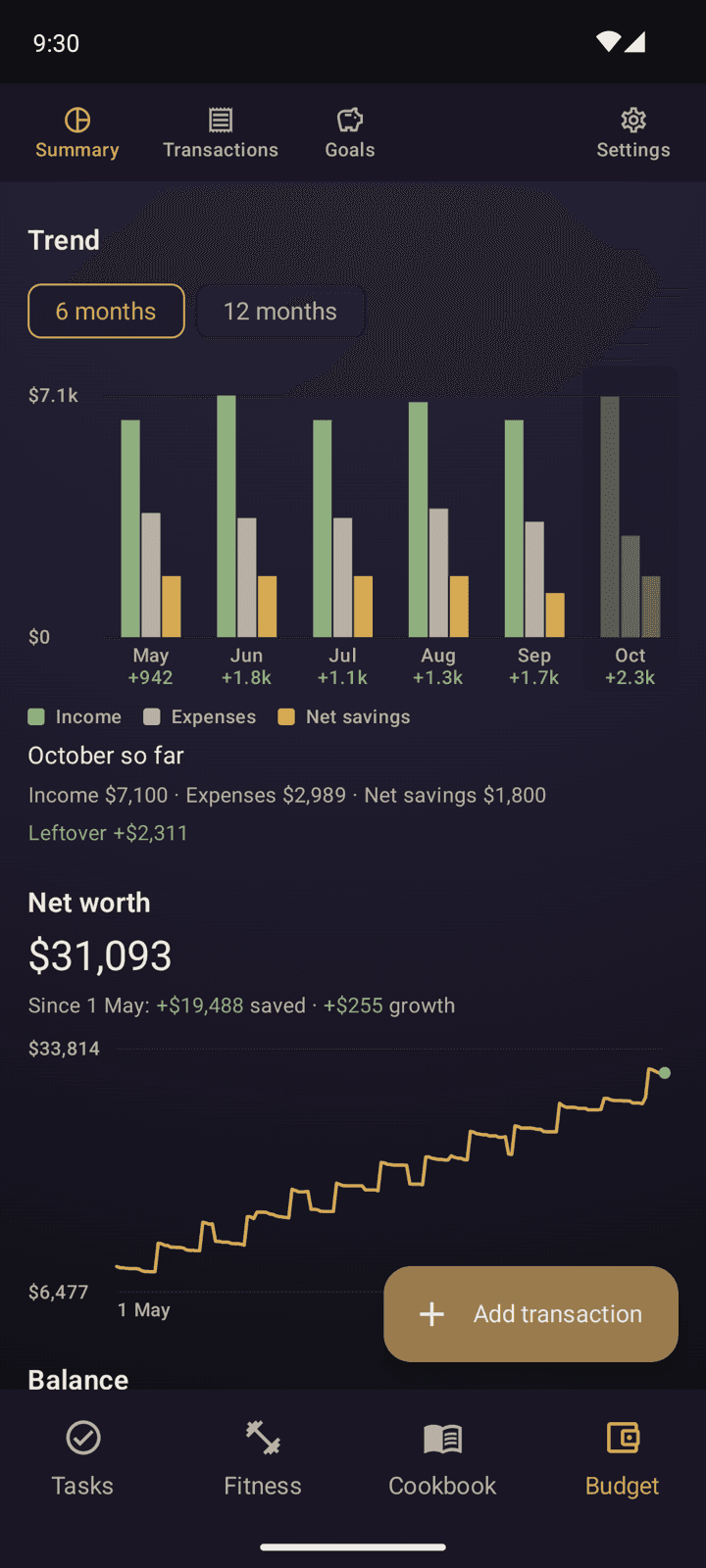
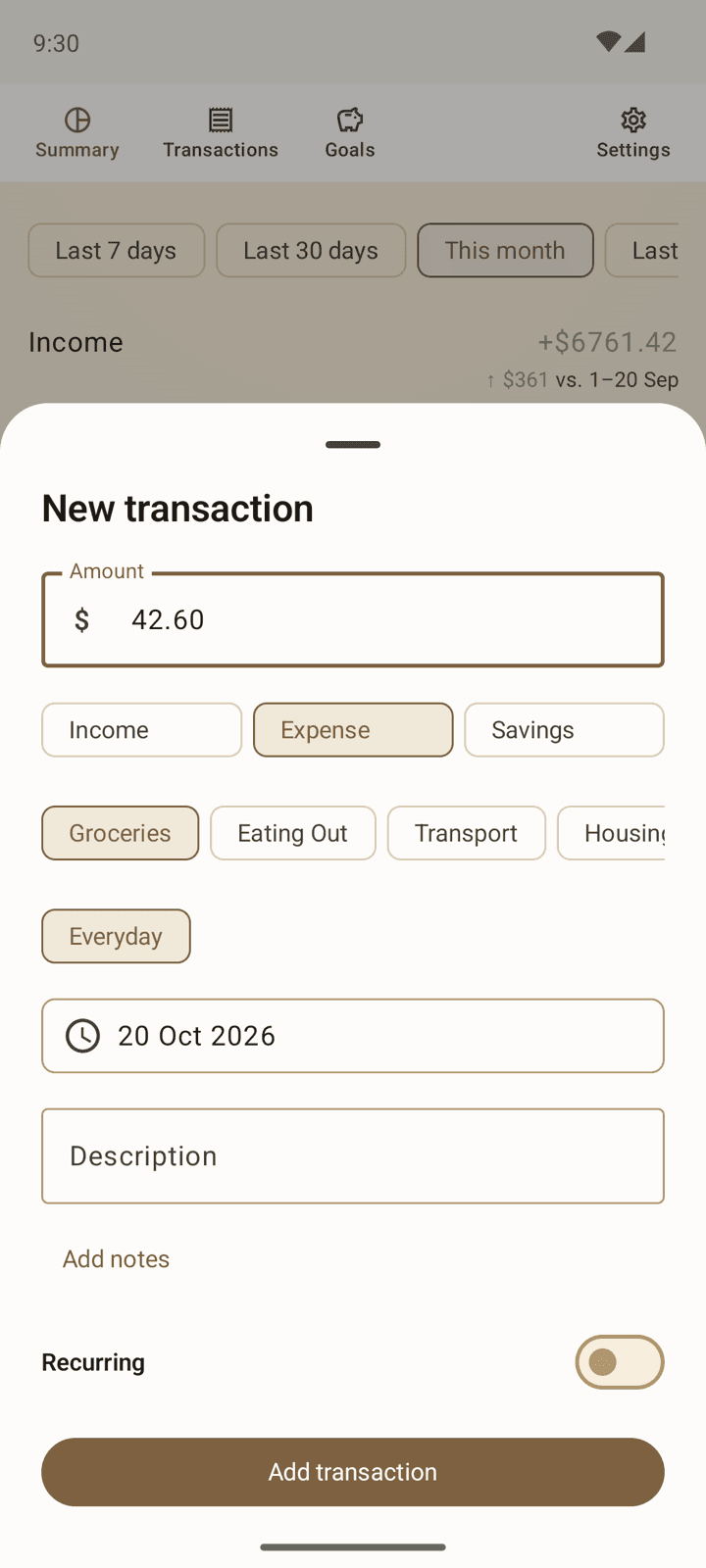
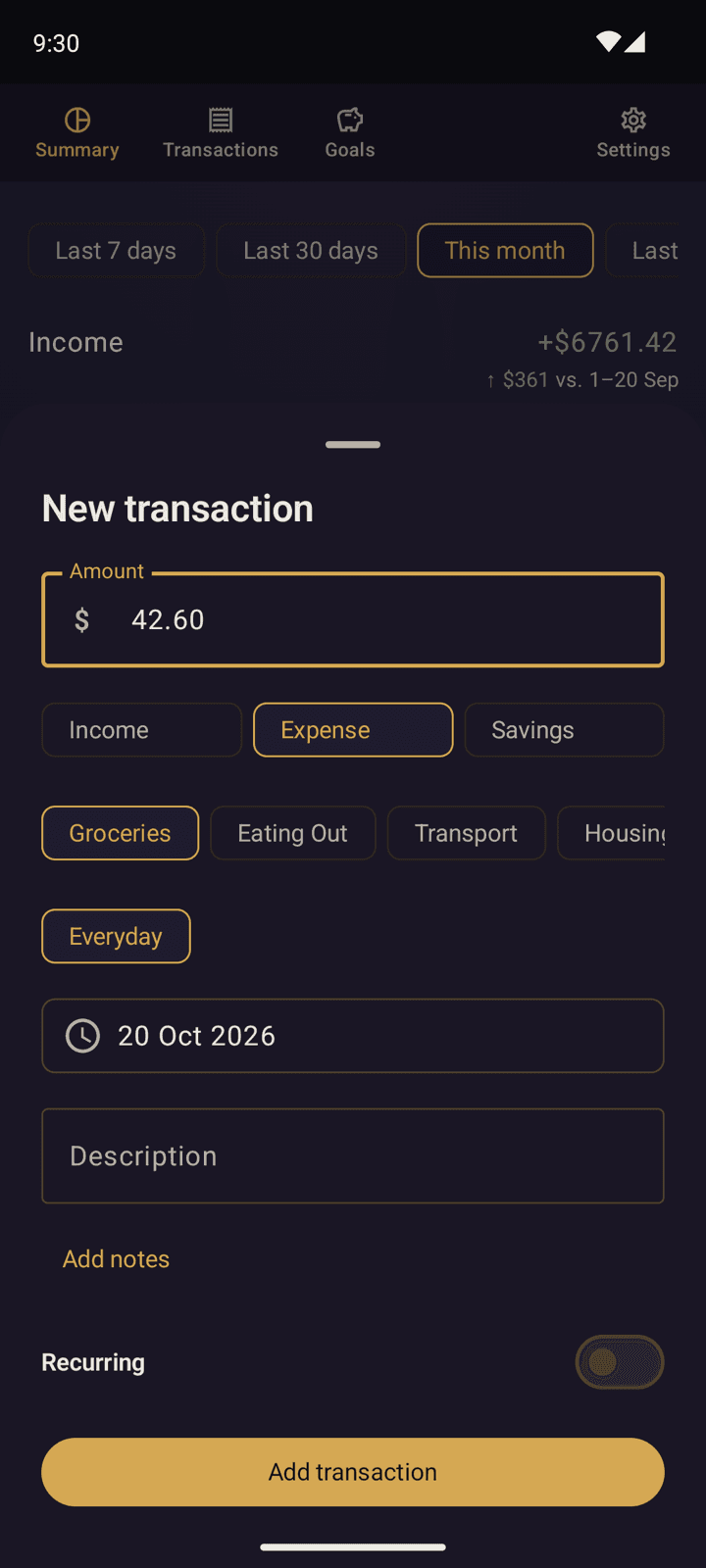
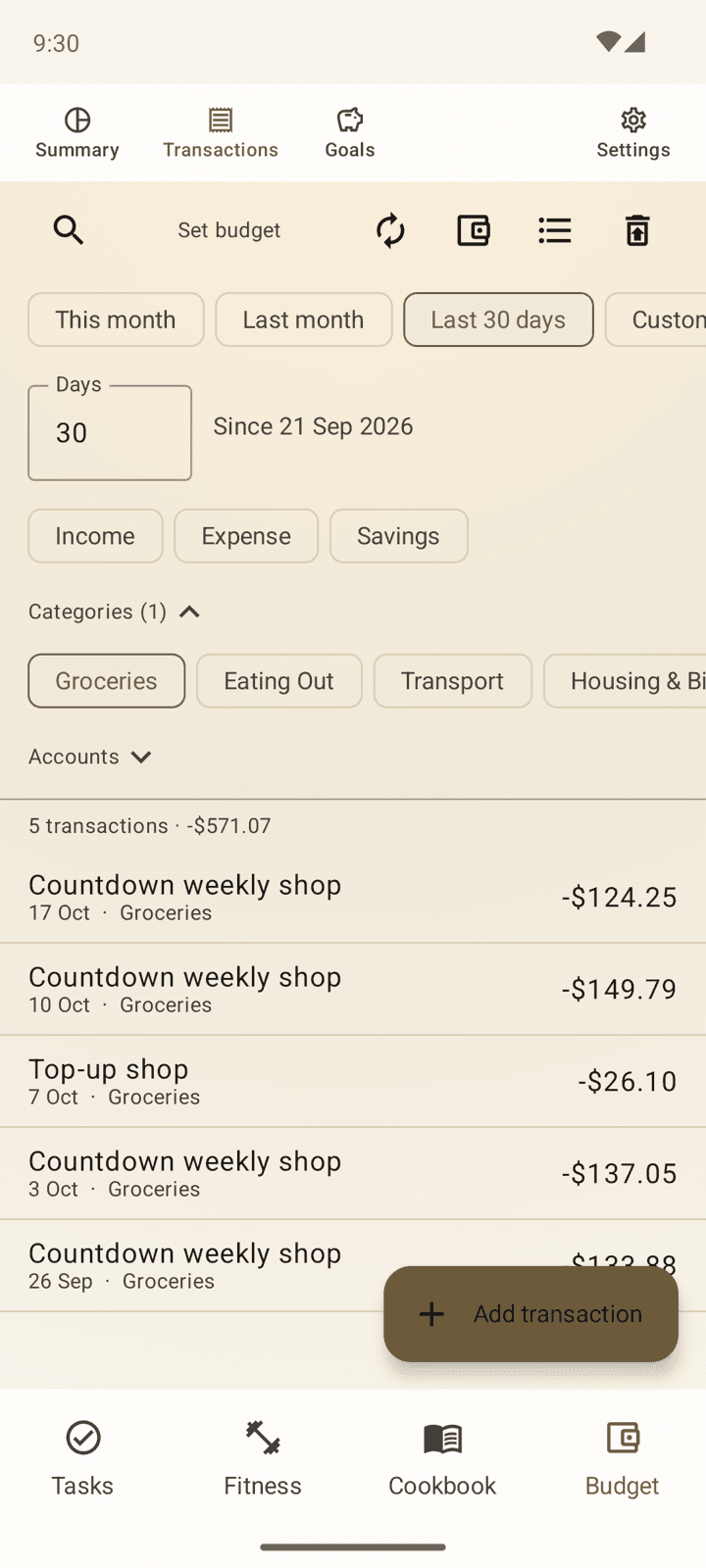
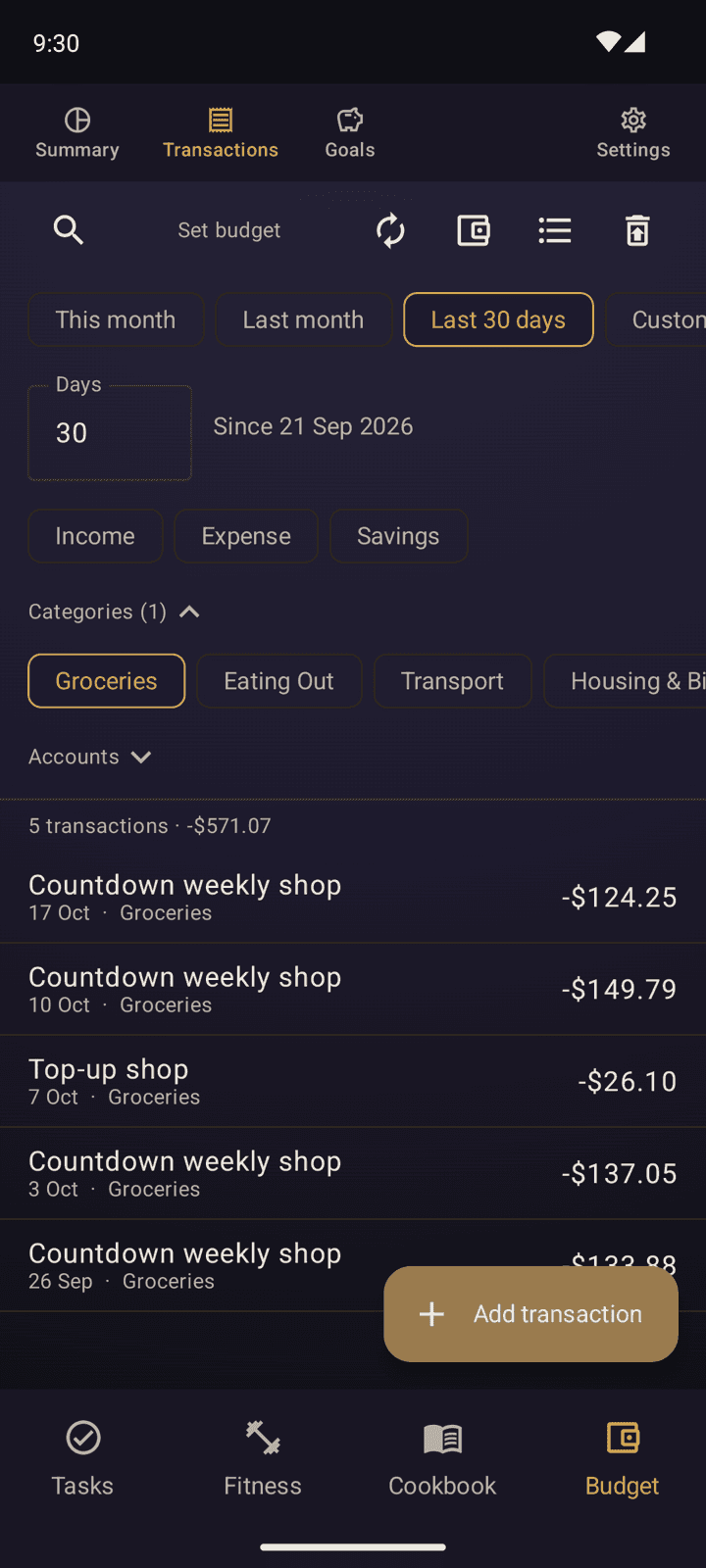
A lot of the time I've spent on this feature has been on trying to add as many ways as possible to automate your budgeting, but short of connecting to your bank account, which crosses a line for me, I don't think there's a way to make it completely hands-off. So there's a heap of ways in the app to keep your budget up to date with minimal effort, but it still requires some attention.
Study
The newest feature, and the one that ties my other projects together. Study is a spaced-repetition reviewer for my own flashcard decks. The deck pipelines export straight into the app, and the cards look exactly as they do in Anki. Reviews are scheduled with FSRS-6, the same algorithm Anki uses, and each deck has its own settings and stats.
So far the History of Rome deck is in the app. World Geography will follow sometime after its next major update.
The point of moving off Anki is everything Anki can't do. Cards can be flagged mid-review, and a Problems view picks out the ones I keep getting wrong, take too long on, or confuse with another card. Both go back to the deck pipeline, so a bad card gets fixed at the source rather than patched in one place.
Each deck opens on a list of its entries, coloured by how well I should remember each one a month from now, so the weak spots stand out at a glance. Any entry can be studied on its own, and a new card waits until the cards it builds on have been seen.
Morning Brief
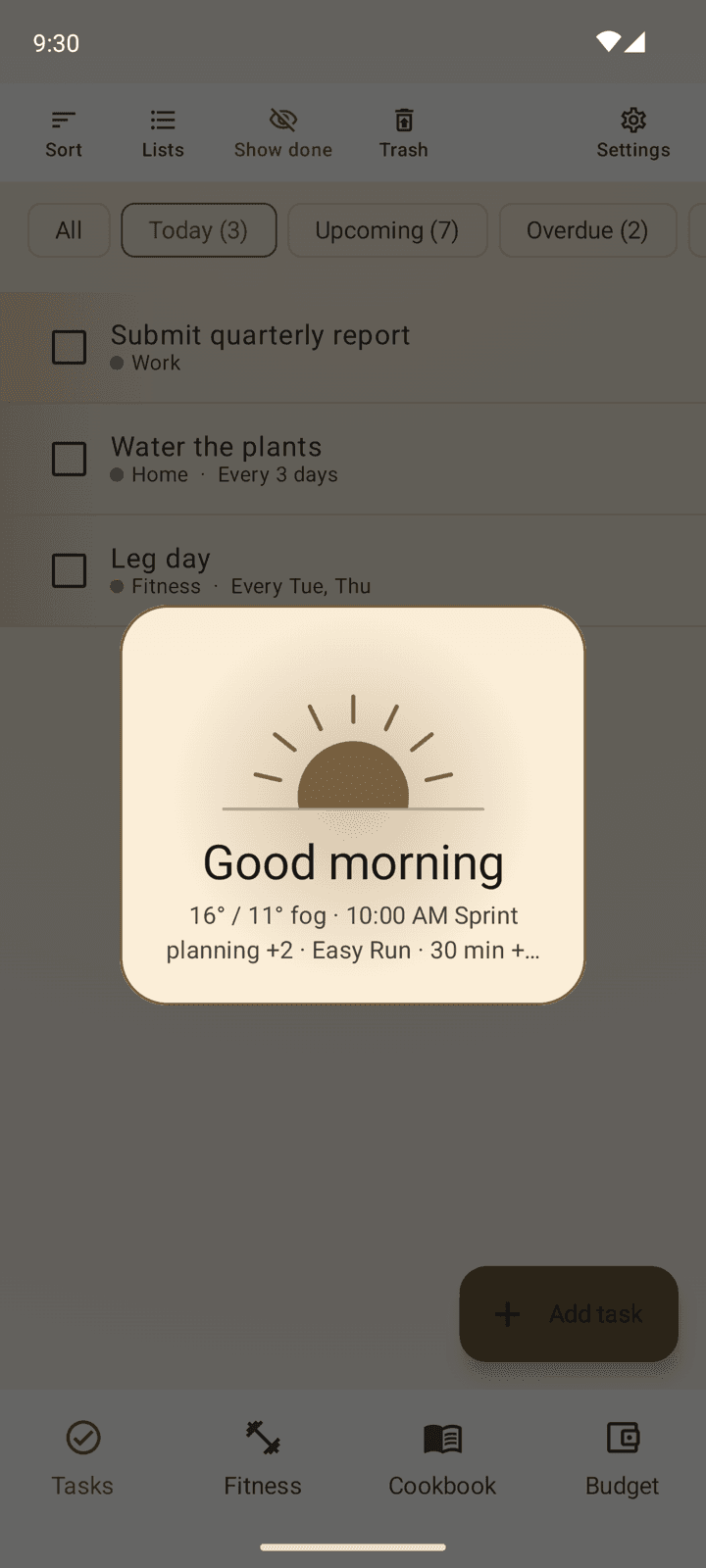
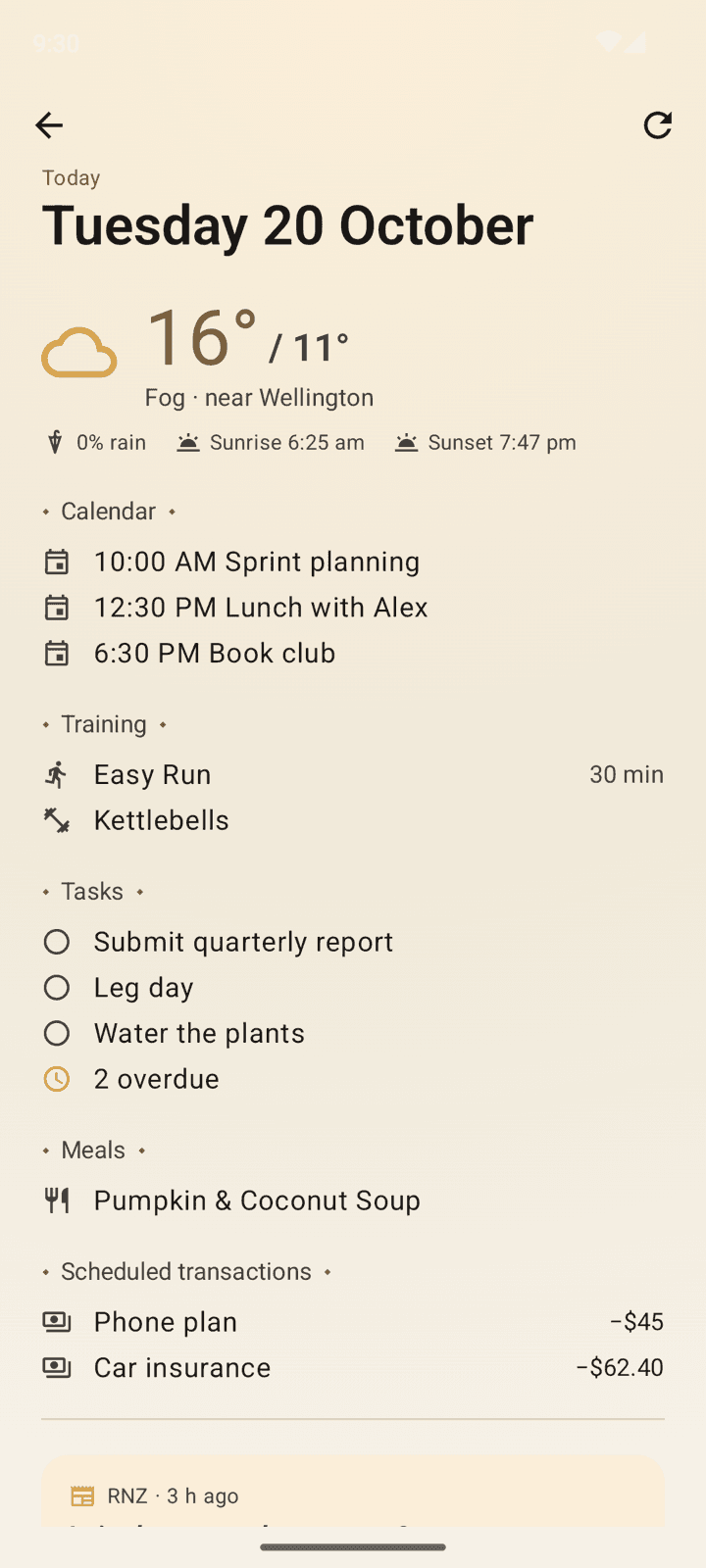
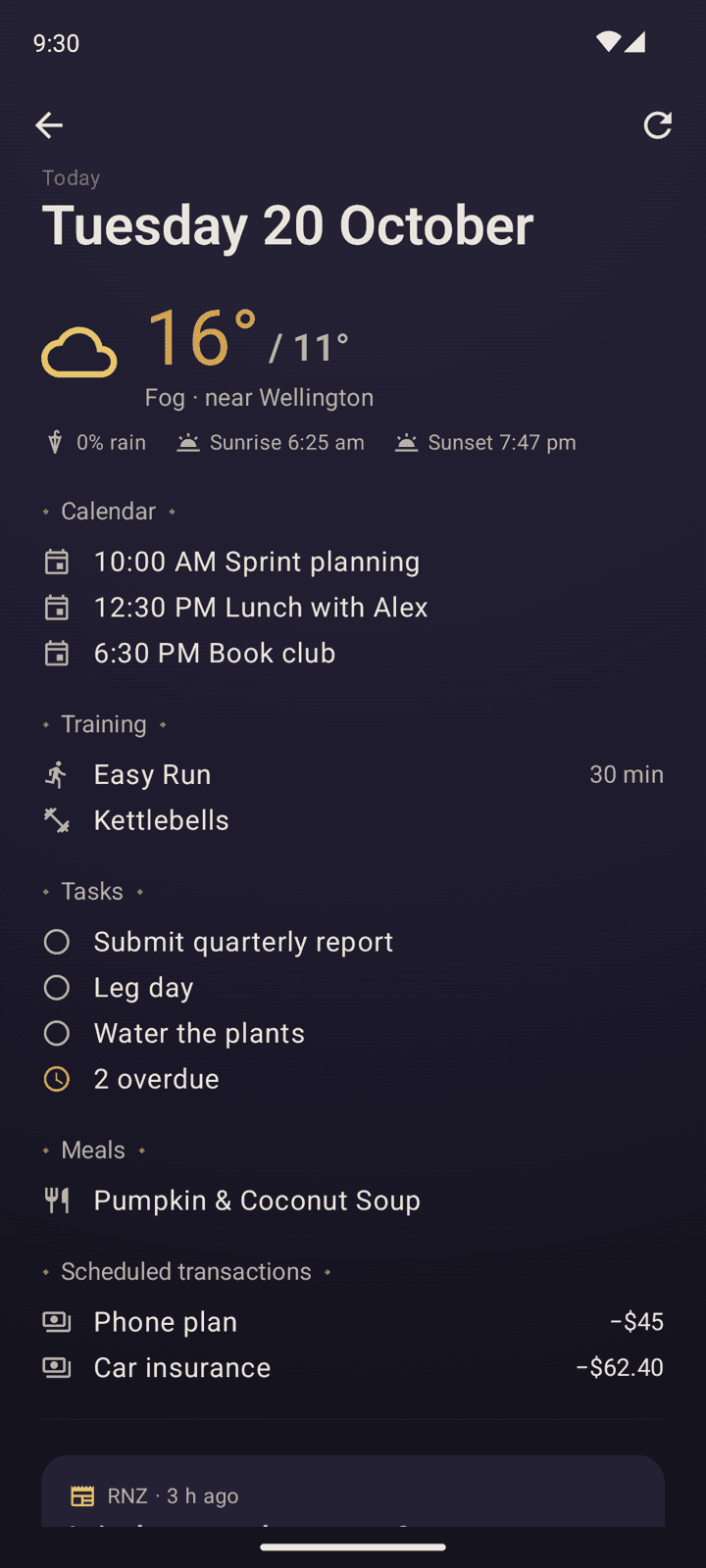
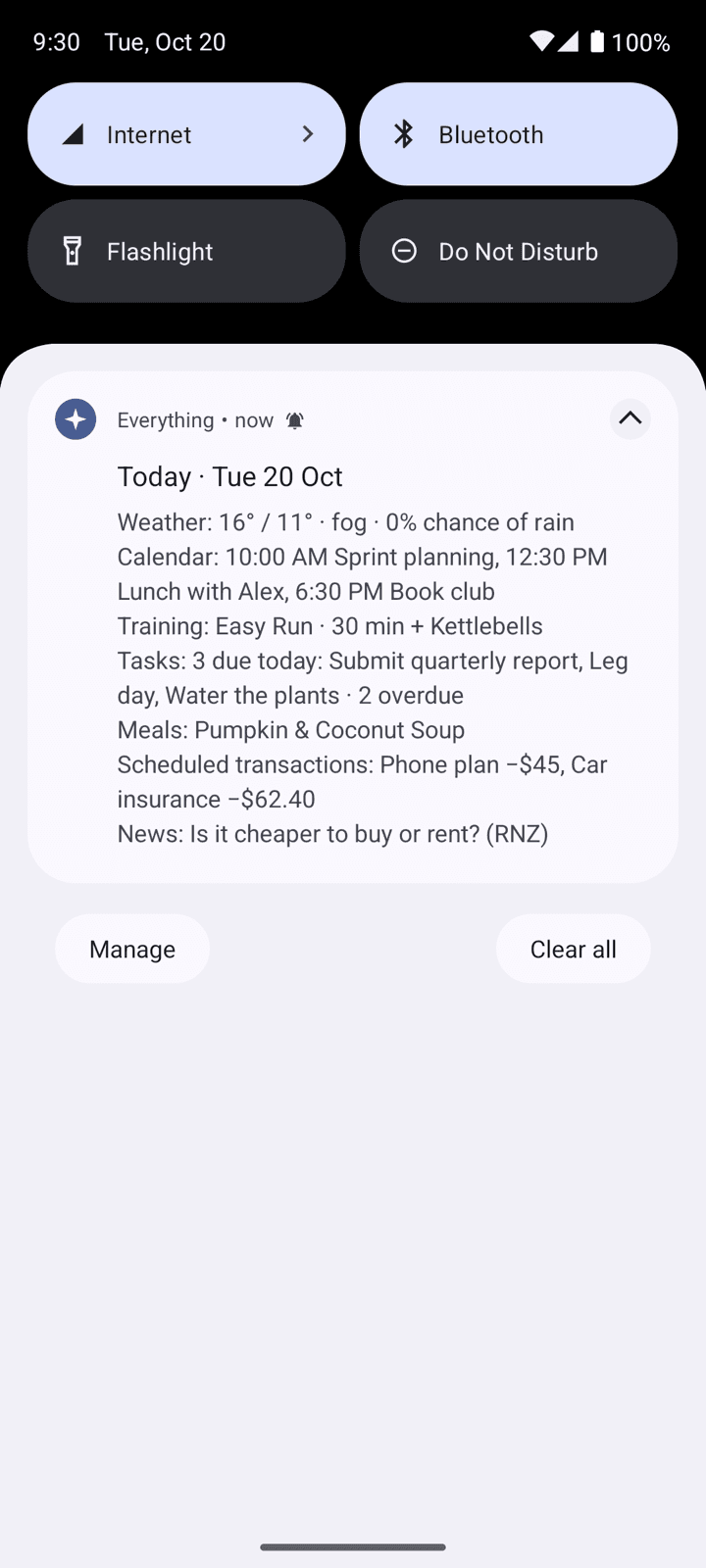
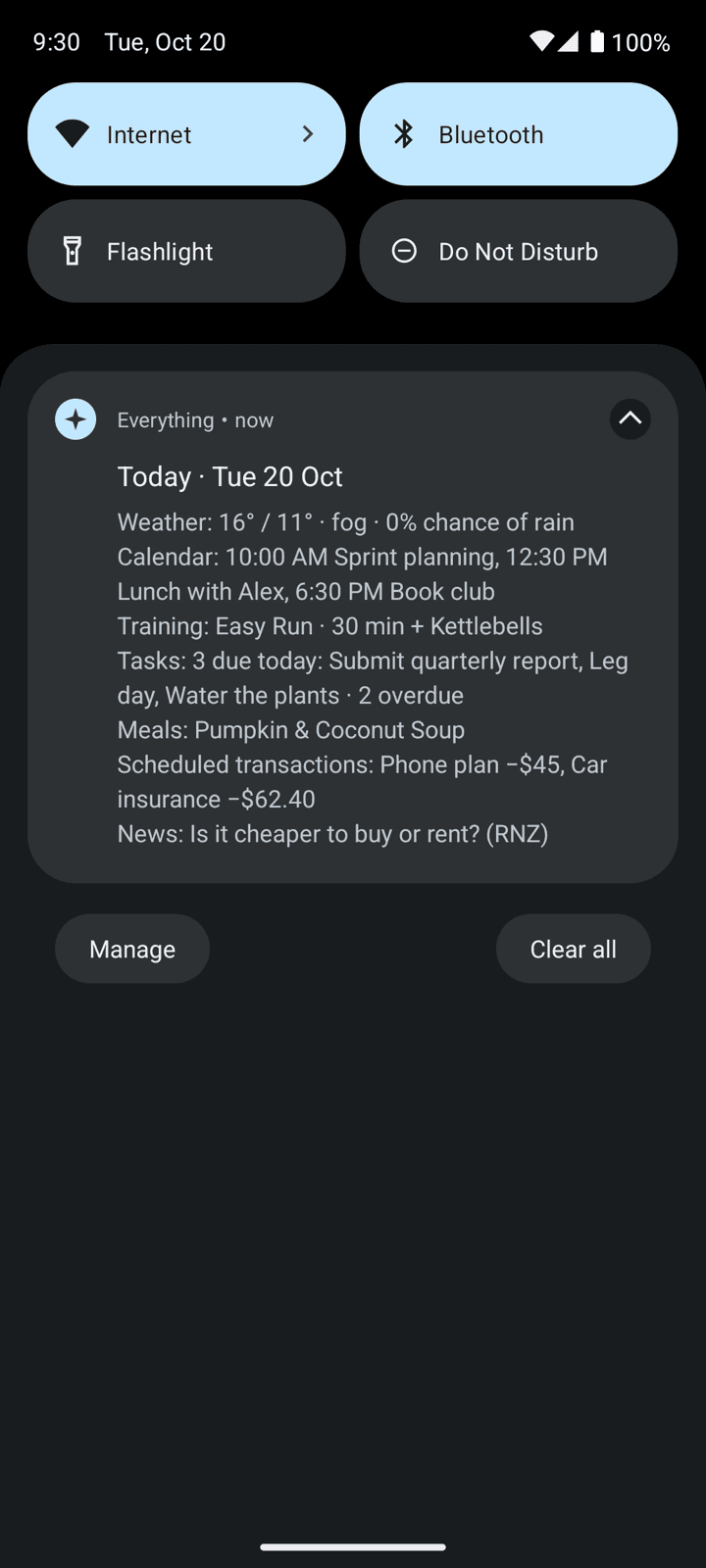
The morning brief is a notification that appears each morning with a summary of the day's weather, calendar events, tasks due, planned workouts, meals, flashcards due, and any transactions scheduled for today. It also includes new videos from YouTube channels and new music from artists I follow, and a link to the day's top news story.
This was one of the more interesting features to develop, since it required integration with Open-Meteo, your phone's calendar, Google News, YouTube channel feeds and Deezer's catalogue of new releases. Each of those has its own quirks: one of YouTube's feeds once started failing two requests in three, for no apparent reason.
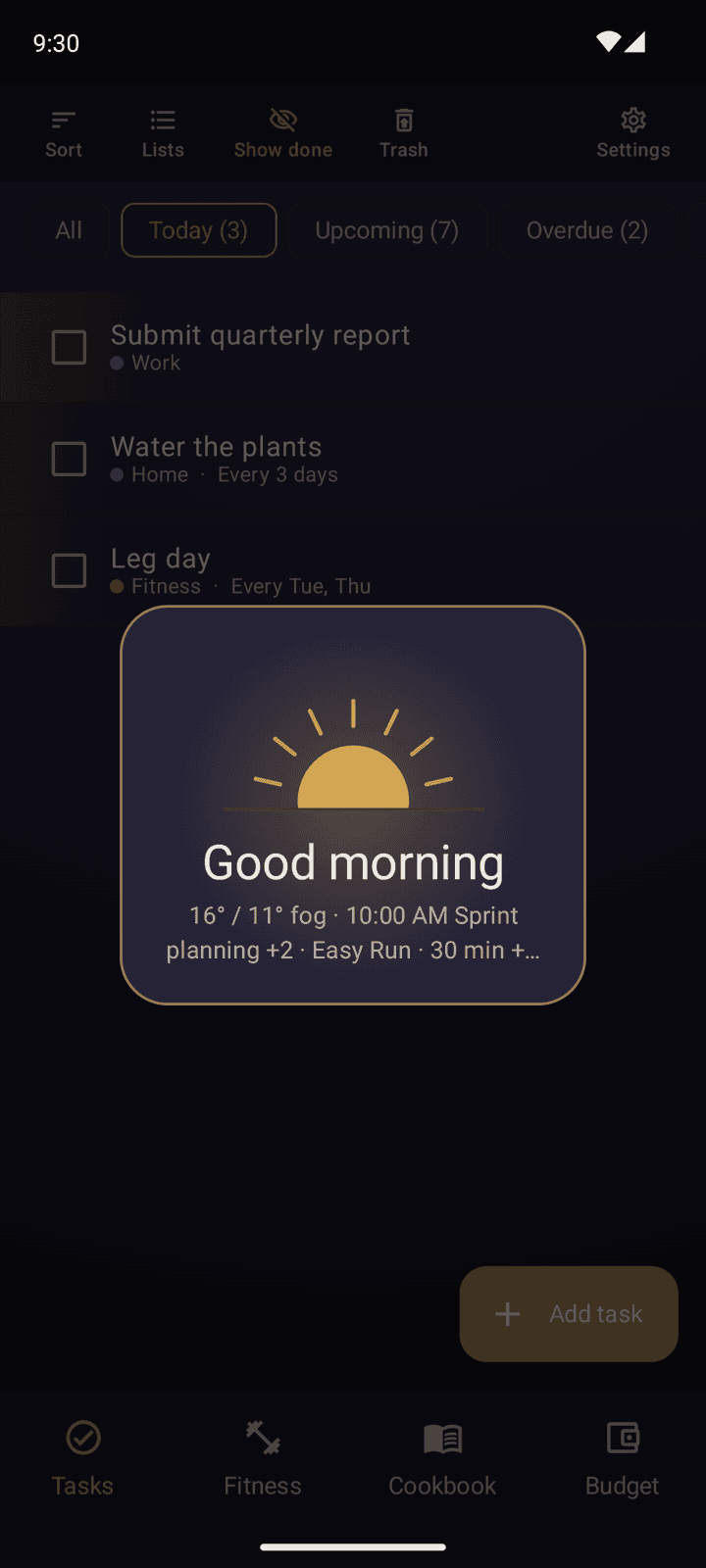
I'm particularly fond of the sunrise that greets you the first time you open the app each day. Picking your phone up first thing isn't the best idea, but it was fun to make.
Settings and Themes
As the app has grown, I've added more and more settings to control its behaviour, with sections for each of the main features, plus a few general categories for things like notifications, backup and restore, and the app's theme.
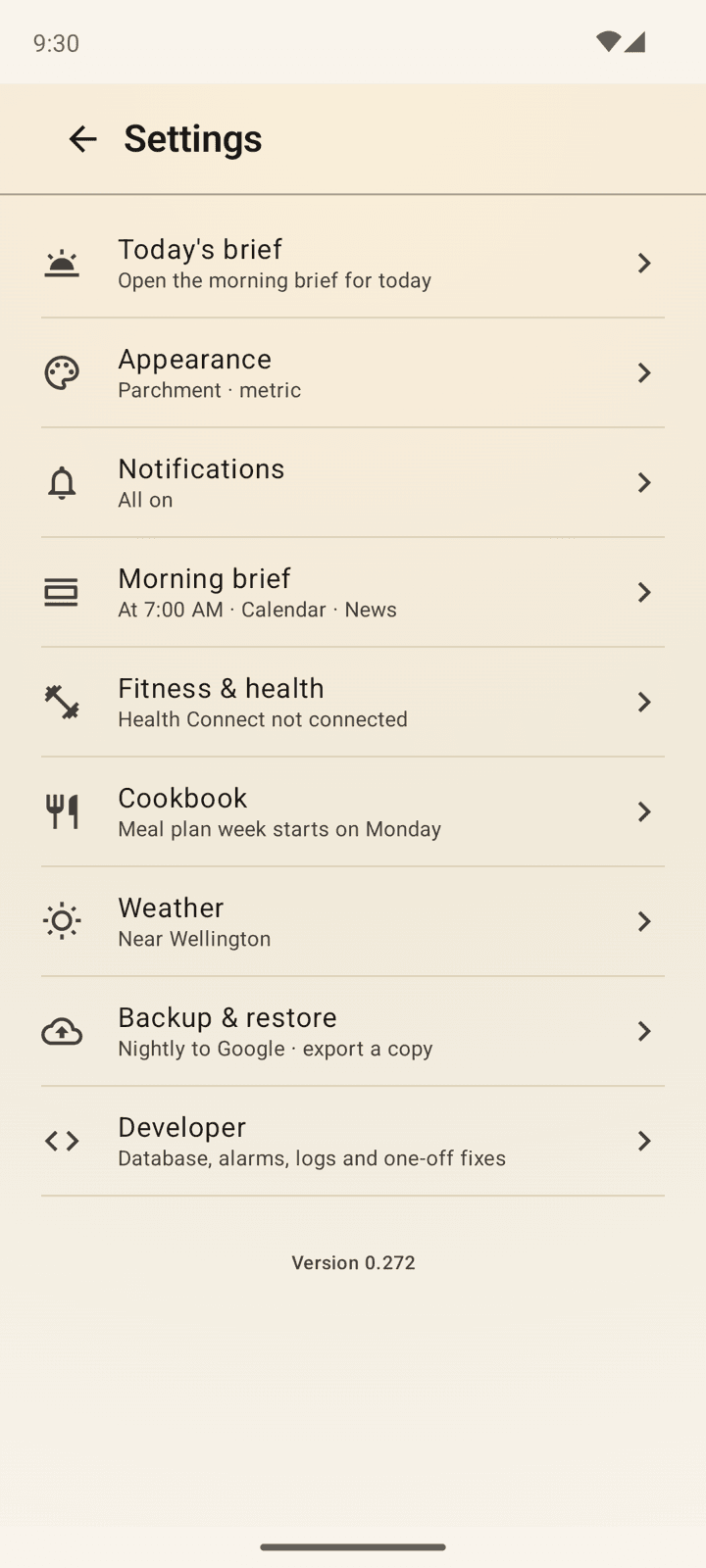
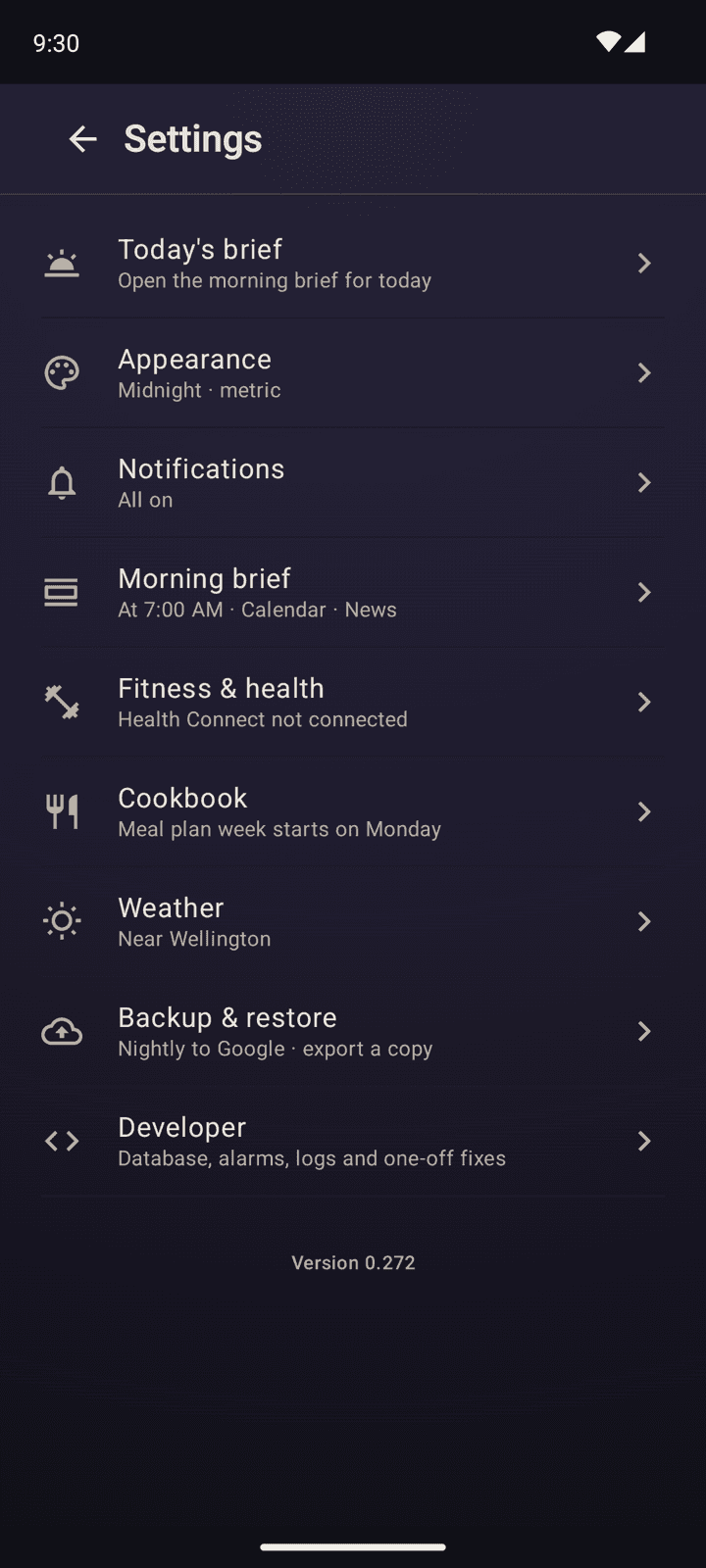
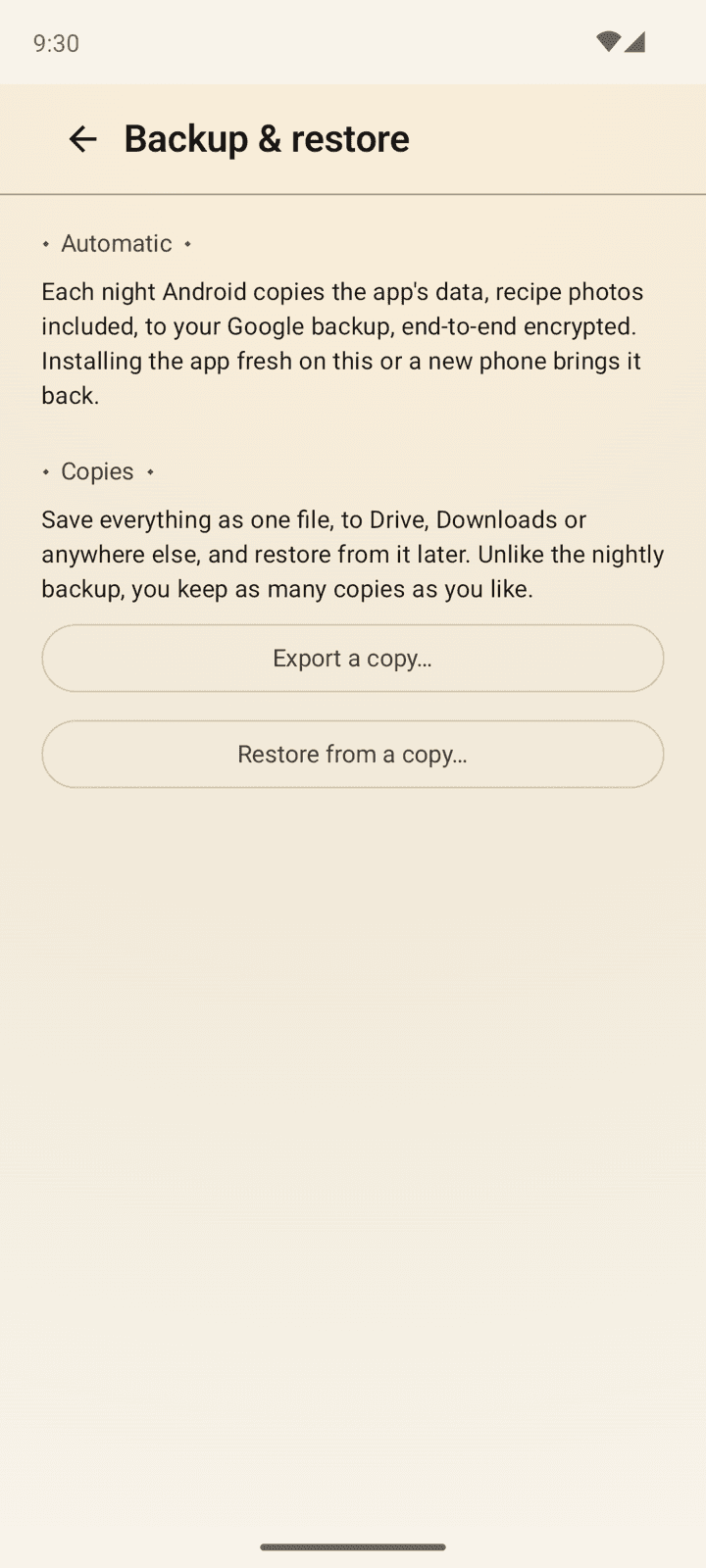
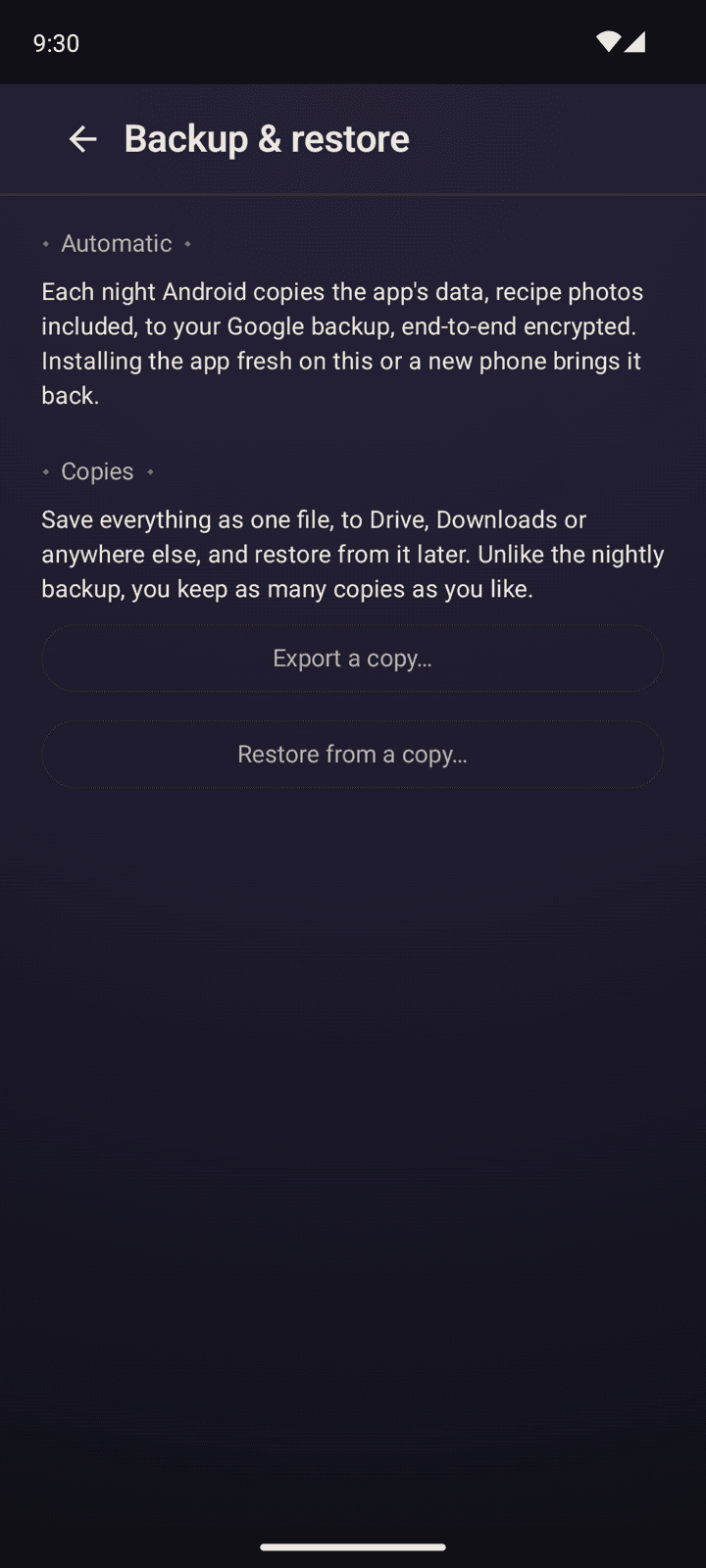
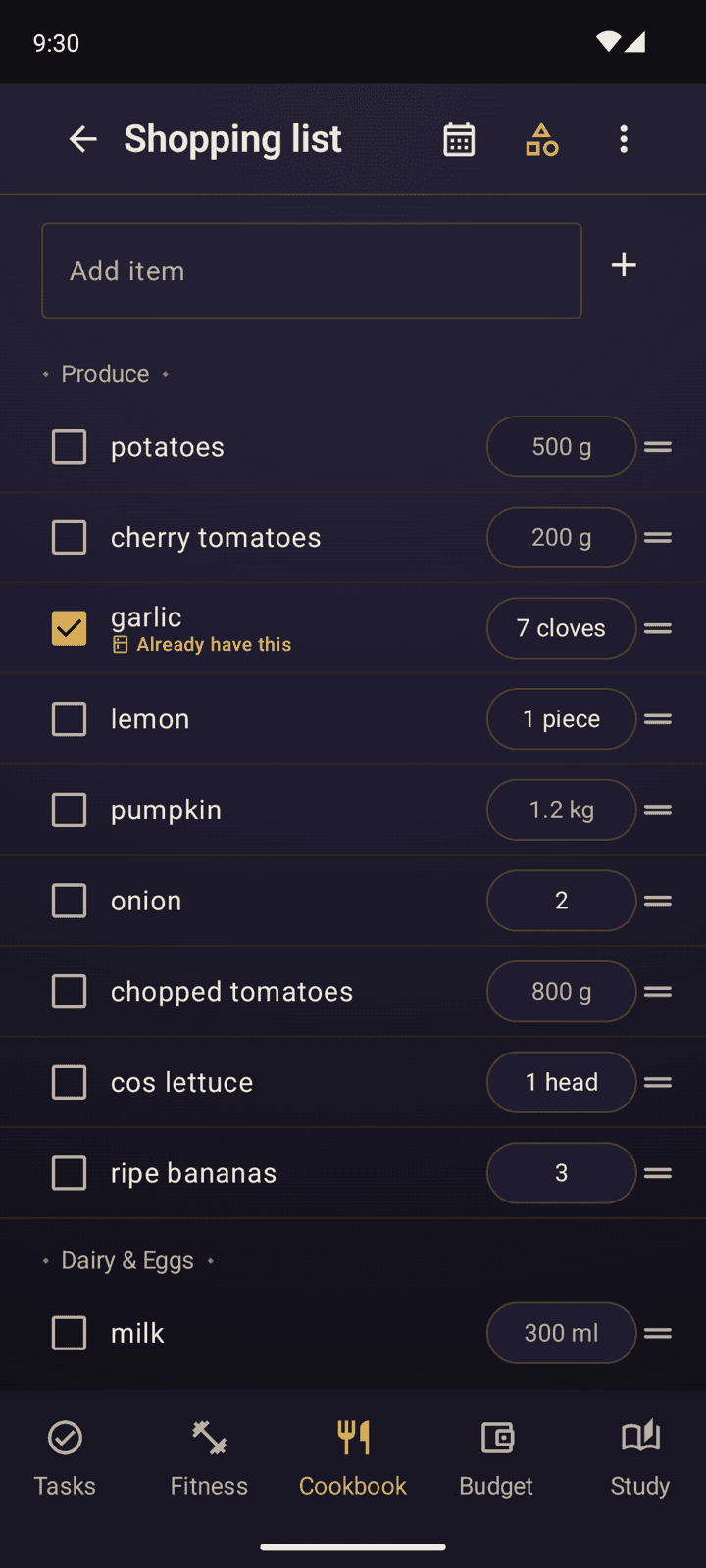
Four selectable themes reskin the whole app instantly, no restart needed - Midnight (the default), Parchment (light), Karoo Sunset, and Blood Moon.
Current Status
Almost everythingComplete
Everything elseIn progress